Can AI Build Websites? What Businesses Still Need
Can AI build websites for your business? Yes, but hosting, domains, security, and ongoing updates still need reliable day-to-day management, too.
ACMMAX Insights ·
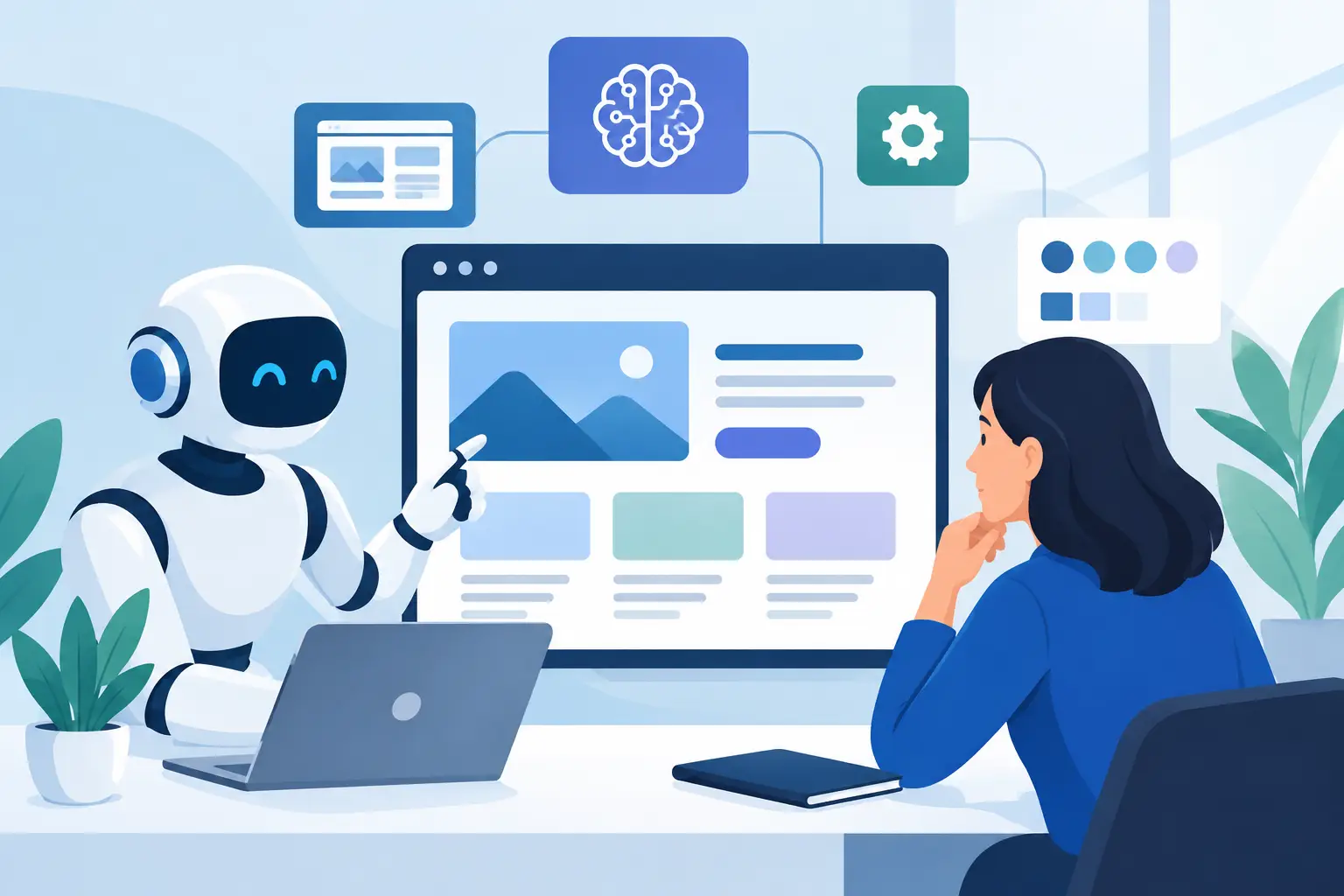
A business owner can now describe a service, choose a visual style, and get a first website draft in minutes. So, can AI build websites that are ready for real customers? Often, yes. But a generated homepage is only one part of operating a business website. Your domain, hosting, email, security, backups, performance, and ongoing updates still need clear ownership.
For small businesses, agencies, and freelancers, the useful question is not whether AI can produce a website. It can. The better question is whether the finished site can be managed reliably after launch, without creating another disconnected tool or unclear responsibility.
Can AI Build Websites From a Simple Prompt?
AI website builders can generate page layouts, color palettes, headlines, service descriptions, contact forms, images, and basic navigation from a short prompt. Some tools can also create code, recommend pages, write product descriptions, or build a WordPress starting point.
This can remove much of the blank-page problem. A local contractor may receive a draft with service pages, a gallery, testimonials, and a contact form. A consultant may get a clean site structure with an about page and appointment request form. For an agency, AI can speed up early concepts and reduce repetitive setup work across smaller client projects.
The output quality depends on the information you provide. A prompt such as “build a website for a marketing company” produces a generic result because the request is generic. A stronger brief includes the company’s services, target locations, customer concerns, preferred calls to action, brand colors, differentiators, and required pages.
AI is fast at assembling familiar patterns. It is less reliable at deciding which claims are accurate, which services are most profitable, what makes a business credible, or how a customer should move through a complex buying decision. Those are business decisions, not layout decisions.
What AI Can Build Well
AI is particularly useful during the first stage of a website project. It can turn an outline into a workable draft, suggest a page hierarchy, rewrite rough copy, and create variations for testing. For a straightforward brochure site, that may be enough to move from an idea to a publishable starting point quickly.
It can also support technical work. Developers can use AI to explain code, create small components, draft CSS, write regular expressions, and troubleshoot common errors. Used carefully, this can shorten routine tasks and leave more time for architecture, quality checks, and client-specific requirements.
The advantage is speed, not automatic correctness. AI-generated copy can make unsupported claims. Images may not match your real team, location, or product. Generated code may work in a demo but conflict with a theme, plugin, payment system, or accessibility requirement. A human review remains part of a responsible launch process.
A Website Is More Than the Pages Visitors See
A site can look complete while essential operations remain unfinished. This is where many AI-first website projects run into trouble. The website builder may generate pages, but it does not automatically establish a sensible plan for the services around the site.
| Website requirement | What AI can help with | What still requires management |
|---|---|---|
| Design and page copy | Create drafts and variations | Verify brand accuracy and approvals |
| Domain name | Suggest names | Register, renew, and manage DNS records |
| Hosting | Recommend a setup | Choose resources, configure access, and monitor service |
| Business email | Draft mailbox names | Create mailboxes, protect accounts, and maintain records |
| Security | Identify common issues | Apply updates, control access, scan, and respond to incidents |
| Backups | Explain backup options | Set schedules, retain copies, and test recovery |
A domain expiration can take a working site and business email offline regardless of how quickly the pages were generated. An unpatched plugin can introduce risk after launch. A backup that has never been tested may not be useful when a site needs to be restored. These are ordinary operational tasks, but they directly affect revenue, customer trust, and staff productivity.
For this reason, businesses should treat AI as a production assistant rather than a complete website operations strategy.
Where AI Website Builders Need Extra Care
The right level of review depends on what the website does. A five-page informational site has different requirements from an online store, member portal, booking platform, or site that collects sensitive customer information.
Brand and content accuracy
AI can write persuasive language, but it does not know your legal limits, service coverage, current pricing, or internal policies unless you provide and verify that information. Review every promise, statistic, testimonial, and call to action before publishing. This is especially important for professional services, healthcare-adjacent businesses, financial services, and regulated industries.
Search visibility and accessibility
Generated pages may include repeated headings, weak page titles, thin local content, or unclear navigation. They may also miss practical accessibility details such as meaningful image descriptions, readable contrast, keyboard-friendly menus, and properly labeled forms.
AI can help identify improvements, but it should not be the final judge. Test the site on mobile devices, complete the forms yourself, and review key pages as a customer would. If organic search matters to your business, create useful service and location content based on genuine customer questions instead of publishing large volumes of generic AI text.
Security, updates, and integrations
A website is connected to systems that can fail or change: forms, analytics, email delivery, payment gateways, plugins, APIs, and DNS records. Each connection adds value, but it also adds maintenance responsibility.
Use strong, unique credentials and give team members only the access they need. Keep the core platform, themes, and plugins updated. Maintain backups before major changes. When using custom AI-generated code, test it in a safe environment before placing it on a live site. The practical goal is not to avoid every risk. It is to make problems easier to detect, contain, and recover from.
A Practical Way to Use AI to Build a Website
Start with a clear business brief, not a prompt about visual style alone. Define the site’s purpose, primary audience, top services or products, conversion goal, brand requirements, and pages needed at launch. Decide whether visitors should call, request a quote, make a booking, buy online, or sign up for updates.
Then use AI to create a first draft of the structure and content. Keep the draft focused. A smaller site with accurate information, clear navigation, and one strong next step usually performs better than a large site filled with vague pages.
Before publishing, complete the operational setup. Connect the domain, configure DNS, choose suitable hosting, create professional email addresses if needed, enable SSL, set backups, and define who receives security and renewal notices. Document which account owns each service and who can make changes. This avoids a common problem for growing businesses: a site exists, but no one knows where the domain, hosting, or email is managed.
Finally, establish a maintenance rhythm. Review updates, backups, forms, uptime, renewal dates, and performance on a regular schedule. Agencies should make this part of their client handoff or care plan. Small teams should assign responsibility rather than assuming the website will run unattended.
A unified console can make this work easier by keeping website services, domains, email, billing, and support activity in one place. ACMMAX is designed for businesses that want to manage those routine operations without moving between multiple provider dashboards, while retaining technical controls when they are needed.
When AI Is Enough, and When You Need More Help
AI may be enough for a simple early-stage site when the business has straightforward services, limited pages, and a person who can review content and manage the technical setup. It is also useful for producing prototypes before investing in a larger build.
Bring in a web professional when the site needs custom functionality, ecommerce workflows, integrations with internal systems, advanced SEO planning, detailed accessibility work, or a highly differentiated brand experience. The same applies when downtime, data loss, or incorrect information would carry a meaningful business cost.
There is no disadvantage in starting with AI and adding expertise where it matters. The strongest approach is usually hybrid: use AI for speed, use people for judgment, and use dependable infrastructure for the work that continues long after launch.
The website should not become a project you finish once and forget. Build the first version quickly, but give equal attention to the domain, hosting, backups, access, and renewal process that keep it available for customers tomorrow.