
7 Cloud Scaling Examples for Growing Businesses
See practical cloud scaling examples for websites, apps, stores, and agencies, plus early signals that tell you when to add capacity without overspending.
ACMMAX Insights ·
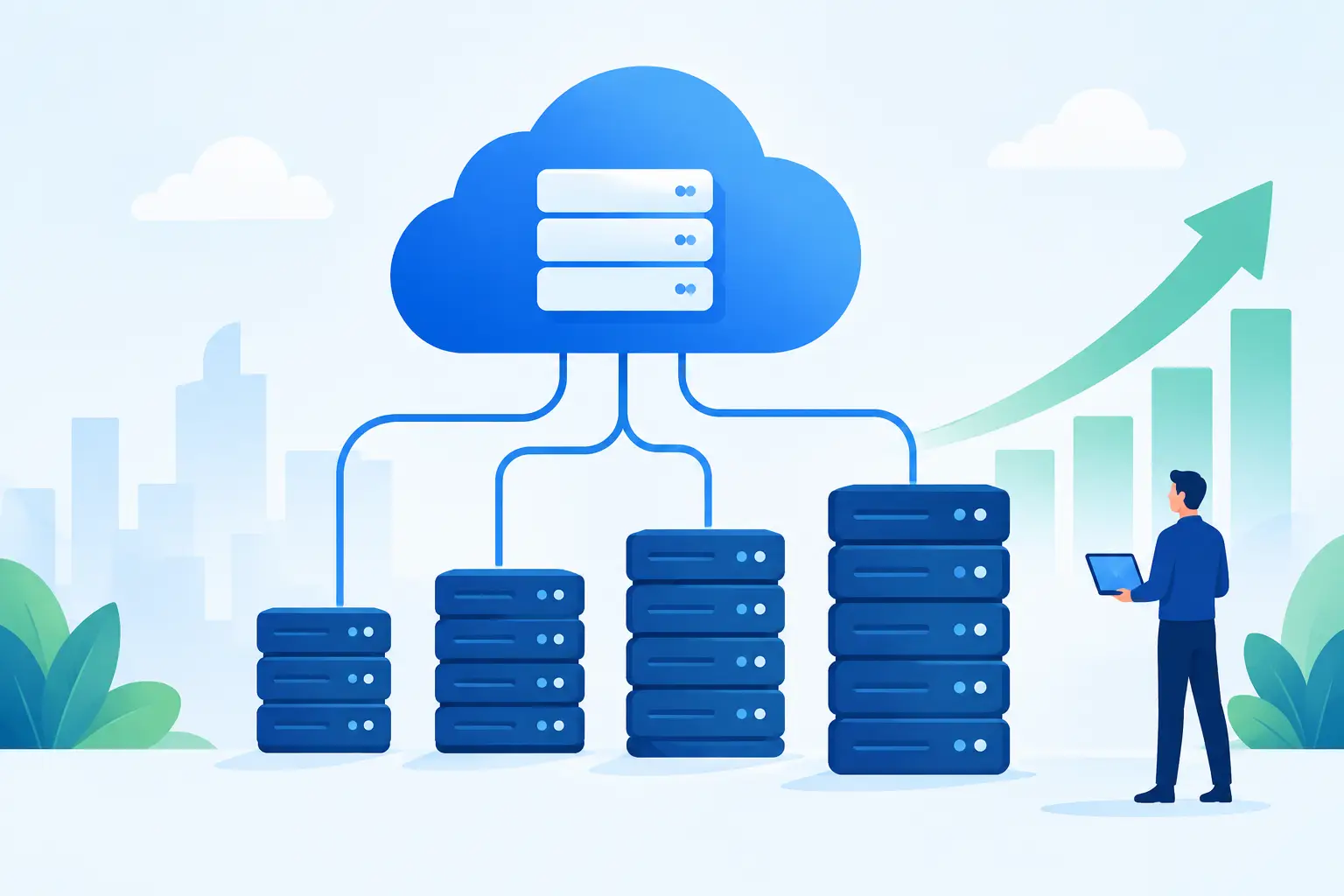
A website that works perfectly at 50 daily visitors can slow to a crawl when a campaign, product launch, or viral post sends 5,000 people at once. That is where cloud scaling examples become more than technical theory. For a growing business, scaling is how you keep sales pages, customer portals, applications, and team tools available when demand rises - without paying enterprise prices during quiet periods.
Cloud scaling means adjusting computing resources such as CPU, RAM, storage, bandwidth, or server instances to match real workload demand. The right approach depends on what is growing, how predictable the traffic is, and how much interruption your customers can tolerate. A local service business and a high-volume ecommerce store may both need more capacity, but they should not scale in the same way.
7 Cloud Scaling Examples That Solve Real Problems
1. A WordPress site handles a campaign spike
A small business launches a paid social campaign on Friday afternoon. Its usual traffic is modest, but the offer drives hundreds of visitors to the same landing page within minutes. Shared resources that were sufficient all week may no longer have enough CPU or memory to process WordPress requests, database queries, and checkout activity.
The practical scaling move is to upgrade the hosting or cloud VM resources before the campaign begins. Adding CPU and RAM gives the server more room to process simultaneous requests. If the campaign is recurring, optimize the site as well: compress images, remove unnecessary plugins, enable caching, and reduce expensive database calls.
More server power alone cannot fix an inefficient website. Scale capacity and clean up the workload together, or you may simply pay more to serve the same bottlenecks.
2. An ecommerce store scales for a seasonal sale
Ecommerce traffic has a pattern. Black Friday, holiday promotions, flash sales, and influencer partnerships create known peaks. During these periods, the risk is not only a slow storefront. A failed checkout, delayed inventory update, or payment error can directly cost revenue and damage trust.
This is a strong case for vertical scaling: increase the size of one server by adding more vCPUs, memory, and faster storage. It is simple to manage and often the best first step for a store running on a single application stack. Schedule the capacity increase ahead of the sale, test checkout performance, then reduce resources after the event if usage falls.
For stores with very large or frequent traffic surges, horizontal scaling can be a better long-term model. Instead of relying on one larger server, run multiple application servers behind traffic distribution. That setup requires more planning, especially around sessions, inventory, and database access, but it reduces dependence on one machine.
3. A SaaS app adds users without slowing everyone down
A subscription app may start with a few dozen users and quickly grow to thousands. The early warning sign is often not a complete outage. It is gradual: dashboards load more slowly, background jobs run late, reports time out, and support tickets mention lag.
In this case, separate the workload before increasing everything at once. Put the web application, database, background worker, and file storage under observation as distinct components. If reports are consuming CPU, adding a worker can help. If database queries are the problem, more application servers will not solve it.
A useful scaling path is to move time-consuming work, such as email sending, report generation, image processing, and data imports, into background queues. Customers get a faster response from the app while the heavy work continues behind the scenes. This improves the experience without forcing every request to wait for the same process.
4. A digital agency isolates client environments
Agencies often begin by placing several client websites on one powerful server. That can be cost-effective, but it creates a hidden risk: one site with a traffic surge, plugin conflict, or resource-heavy task can affect every other client on the machine.
Scaling for an agency is partly about capacity and partly about isolation. Move high-traffic, revenue-critical, or resource-intensive clients to their own virtual machines or managed hosting environments. Keep low-traffic brochure sites on an efficient shared setup. This gives the agency clearer performance boundaries and makes upgrades easier to explain and bill for.
The trade-off is more environments to manage. Centralized backups, monitoring, access controls, and standardized deployment practices become essential. The goal is not to put every client on the biggest plan. It is to match each client’s infrastructure to the cost of downtime and the value of their online operations.
5. A media site scales storage instead of servers
Not every growth issue is a compute issue. A photographer, online course provider, or content publisher may see storage costs and page weight rise as they add videos, downloads, backups, and high-resolution images. Keeping every large file on the web server can consume disk space, complicate backups, and make recovery slower.
Object storage is the better scaling tool for this workload. Store media files, archives, customer downloads, and backups outside the application server, then let the server focus on delivering pages and processing requests. S3-compatible object storage is particularly useful when file volumes grow steadily and the business needs storage that can expand without migrating disks every few months.
This approach also improves operational discipline. A full server backup is not the same as a file storage strategy. Keep production assets, database backups, and long-term archives organized separately so a server problem does not become a business continuity problem.
6. A mobile app absorbs an unexpected spike
A mobile app can go from quiet to overloaded when it gets featured in a newsletter, gains attention on social media, or releases a popular new feature. Unlike a traditional website, the pressure may land on API endpoints rather than public pages. Thousands of devices may refresh data at once, submit requests, or pull notifications.
Start by measuring which endpoints receive the most traffic and which queries take the longest. Cache data that does not change frequently, rate-limit abusive or accidental request patterns, and scale the API service based on actual utilization. If the app uses a single database, protect it carefully. Connection limits, inefficient queries, and missing indexes are common reasons an application fails under load.
For unpredictable spikes, horizontal scaling is valuable because additional application instances can be added when demand rises. But only use it when the application is designed for it. Session data, uploaded files, and temporary state must be stored somewhere shared rather than tied to one server instance.
7. A growing company centralizes its operating stack
Cloud scaling is also operational. A business may outgrow a scattered setup where its domain is with one provider, email with another, files on a third service, website hosting elsewhere, and development infrastructure managed through individual accounts. Every additional vendor creates renewal dates, access issues, billing friction, and slower troubleshooting.
Centralizing core services can make scaling easier because the business has a clearer view of the assets that support growth. ACMMAX gives entrepreneurs and teams one account for cloud virtual machines, managed hosting, domains, business email, object storage, and related digital tools. That does not remove the need for good architecture, but it reduces the vendor sprawl that turns simple upgrades into a multi-account project.
When Should You Scale?
Do not wait for a full outage. Monitor trends in CPU use, memory pressure, disk usage, response time, bandwidth consumption, and error rates. The most useful signal is sustained pressure during normal business activity, not a brief spike caused by a backup or software update.
| Signal | What it usually means | First response |
|---|---|---|
| CPU stays above 80% | The server is short on processing power or running inefficient tasks | Review processes, then add vCPUs if needed |
| Memory is consistently full | Applications are swapping to disk and slowing down | Add RAM or reduce memory-heavy services |
| Pages slow down at peak times | Traffic, database queries, or plugins are creating contention | Test the bottleneck before upgrading |
| Disk space is shrinking fast | Media, logs, or backups are growing without a storage plan | Move files to object storage and set retention rules |
| Errors rise during promotions | The application cannot handle concurrent demand | Scale before the next campaign and load-test key flows |
There is no prize for running infrastructure at maximum strain. A small amount of headroom gives your business room to process orders, respond to customers, and recover from demand spikes without a rushed migration.
Scale Capacity Without Losing Cost Control
The cheapest plan is not always the lowest-cost choice. If a slow site loses leads or an overloaded app causes cancellations, the apparent savings disappear quickly. At the same time, buying large infrastructure months before you need it ties up budget that could support marketing, product development, or customer service.
Use a staged approach. Start with the resources your current workload requires, monitor performance, and upgrade based on evidence. For predictable events, scale up temporarily before demand arrives. For permanent growth, review the architecture so you are not repeatedly adding server size to hide a database, code, or storage problem.
The strongest scaling decision is usually boring: enough capacity for customers to have a fast, reliable experience, clear visibility into costs, and an infrastructure setup your team can manage without adding unnecessary complexity. Build for the next meaningful stage of growth, then let real usage tell you what comes next.

