
How to Centralize Website Tools Without Slowdowns
Learn how to centralize website tools for faster launches, fewer logins, cleaner billing, and stronger control across domains, hosting, email, and storage.
ACMMAX Insights ·
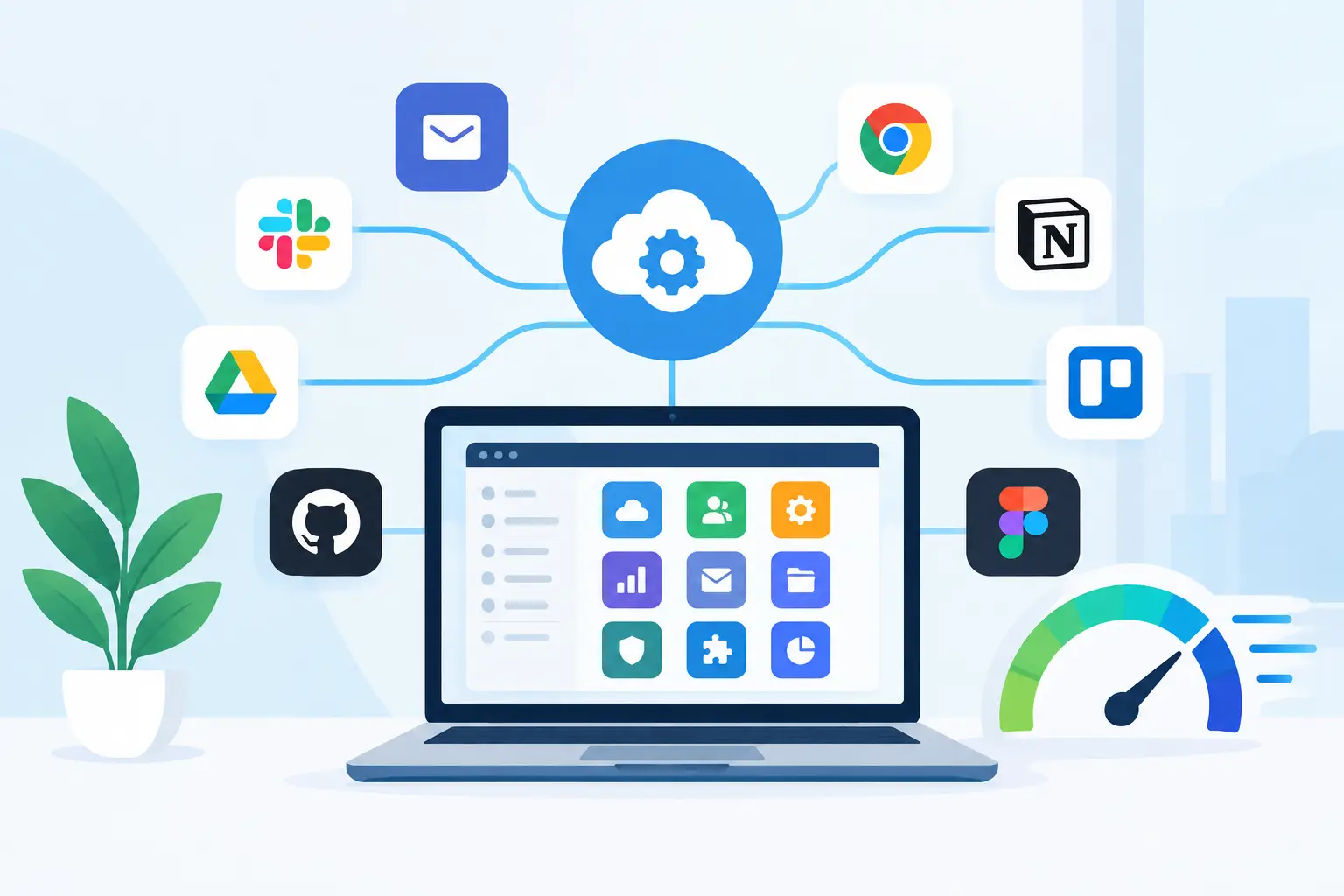
A website rarely becomes difficult because of one big technical failure. More often, it becomes expensive and slow because the domain is in one account, hosting is in another, email is somewhere else, files live in a separate storage tool, and nobody knows which card pays for what.
Learning how to centralize website tools is about fixing that operational drag. The goal is not to force every application into one system. It is to put the infrastructure your business depends on under clear ownership, one billing view, and a workflow your team can run without chasing logins.
Why fragmented website tools cost more than they appear to
A low monthly price can hide a high operational cost. A business may save a few dollars by choosing separate providers for domains, hosting, business email, backups, and storage, then lose hours every month to account recovery, renewal checks, support tickets, and confusing handoffs.
Fragmentation also creates risk. A former freelancer may own the domain account. An expired payment card may take down a business email address. A developer may be the only person with access to a cloud server. These are not edge cases for growing businesses. They are common consequences of building quickly without a central operating model.
Centralization gives owners and teams three things that matter immediately: visibility into what is running, control over who can access it, and a simpler path from idea to launch. For agencies, it also makes client environments easier to standardize and support.
Start with a complete website operations inventory
Do not migrate anything until you know what you own. Create a practical inventory of every service connected to your online presence. Include the domain registrar, DNS provider, hosting account, website platform, email provider, storage location, analytics tools, SSL certificates, code repositories, paid plugins, and renewal dates.
For each item, record the account owner, administrator email, payment method, renewal date, monthly or annual cost, and what breaks if the service goes offline. This last column matters. A design asset library has a different urgency than the domain that directs customers to your website.
You will often find duplicate services during this process. For example, a team might pay for storage through a hosting provider, a file-sharing platform, and a cloud account because no one was sure where the current files belonged. Eliminate duplication only after confirming what is actively used.
Separate core infrastructure from specialist software
Not every tool should move. Your core infrastructure should be the first priority because it supports everything else: domains, DNS, hosting, email, backups, cloud compute, and object storage.
Specialist software can stay independent when it delivers a clear advantage. An agency might keep a preferred design tool or a mature accounting system, while still centralizing the accounts that keep client websites online. The right decision depends on integration needs, contract terms, security requirements, and the cost of switching.
Centralization should reduce complexity, not create a forced migration project that interrupts revenue-producing work.
Choose one control plane for your core services
A control plane is the primary account or dashboard where you manage essential website operations. For a small business, that can mean one provider for domains, managed hosting, business email, cloud servers, storage, billing, and support. For a developer or agency, it should also support separate projects, scalable resources, and clear administrative access.
When comparing platforms, look beyond a polished dashboard. Ask whether the provider can cover the services you actually use, whether activation is fast, and whether pricing remains understandable as you grow.
| What to evaluate | Why it matters |
|---|---|
| Domain and DNS management | Keeps ownership and routing under the same accountable team |
| Hosting and cloud options | Lets simple sites and advanced workloads grow without a full rebuild |
| Business email | Protects brand consistency and reduces account handoffs |
| Object storage and backups | Gives large files, media, and recovery copies a defined home |
| Billing visibility | Makes it easier to spot waste, renewals, and cost changes |
| Access controls and support | Reduces dependency on one employee, contractor, or developer |
A platform such as ACMMAX is designed around this model, combining foundational online services under a single account so businesses can launch and manage their digital operations with less vendor sprawl.
Build a migration sequence that protects uptime
Moving everything at once is rarely necessary. A staged migration lowers risk and lets your team test each layer before it becomes business-critical.
Start by securing ownership. Make sure the business, not an individual contractor, controls the primary administrator email, domain registration, payment method, and recovery details. Turn on multi-factor authentication wherever it is available, then document access for at least two trusted people.
Next, centralize domains and DNS. DNS is the traffic director for your website and email, so changes must be handled carefully. Before editing records, export the current zone settings and note all active records, including website, email, verification, and subdomain entries. A missing email record can cause more disruption than a website migration.
Then move hosting or deploy a replacement environment. For a standard WordPress site, copy the site files and database, test it on a temporary address or staging environment, confirm forms and transactional email work, and only then update DNS. For custom applications, document environment variables, database connections, scheduled jobs, storage paths, and server requirements before deployment.
Move email last if the existing email service is stable. Email migrations require mailbox copies, user setup, DNS changes, and a plan for the overlap period. The best migration is often one that users barely notice.
Keep a rollback plan for every change
A rollback plan is not bureaucracy. It is how you make fast decisions without gambling on uptime.
Before changing DNS, maintain the existing records. Before moving a website, create a verified backup. Before canceling an old plan, confirm that the new environment has handled real traffic, forms, file uploads, and email delivery. Keep the old service active for a short, defined verification period rather than canceling it on migration day.
Centralize billing and access, not just services
A single dashboard does not solve much if billing is still scattered across personal cards and access lives in private inboxes. Set one business payment method, one renewal review process, and one ownership policy for all website assets.
For small teams, a monthly 20-minute review is enough. Check upcoming renewals, usage changes, unpaid invoices, new users, and inactive services. For agencies, build the same review into client management so domains, hosting plans, and paid add-ons do not become last-minute emergencies.
Use role-based access wherever possible. Owners should retain billing and account recovery rights. Developers may need server, database, or deployment access. Content staff may only need website administration. Giving everyone full account access is convenient until an accidental setting change or departure creates a problem.
Standardize the operating workflow
The payoff from centralization arrives when your team repeats the same reliable process for every new website or client. Define how a domain is registered, how DNS is configured, where website files are stored, how backups are checked, who creates email accounts, and where credentials are documented.
For example, a new business website workflow might begin with domain registration and branded email, followed by managed hosting or a cloud virtual machine based on the application requirements. The team then deploys the site, connects storage for media or backups, confirms SSL and DNS, and records the environment in the business inventory.
This approach makes growth more predictable. A freelancer can launch a professional site without assembling five separate accounts. An agency can onboard clients faster. A developer can use cloud resources where they are needed while keeping the business assets visible to the owner.
Watch for the trade-offs of consolidation
Centralizing services means trusting fewer providers with more of your operations. That can simplify management, but it also makes provider reliability, support quality, export options, and account security more significant.
Avoid lock-in by keeping current backups, documenting configurations, and understanding how to export domain settings, databases, website files, and stored objects. Consolidation should improve your negotiating position and operating speed, not leave you unable to move if your needs change.
There is also a performance question. One provider may be ideal for domains, email, managed WordPress, cloud servers, and storage, while a specialized tool is still the best choice for a specific enterprise need. Keep exceptions intentional. If a tool stays outside your central platform, document why it exists, who owns it, and how it fits into the wider workflow.
How to centralize website tools without creating chaos
The fastest path is usually a 30-day plan, not a weekend overhaul. In the first week, inventory assets and secure ownership. In the second, centralize the domain, DNS, billing, and admin access. In the third, migrate or standardize hosting and backups. In the fourth, test the workflow, remove duplicate subscriptions, and document the new operating process.
Measure success in practical terms: fewer logins, fewer renewal surprises, less time spent locating credentials, faster website launches, and a clear answer when someone asks who owns a critical service. Those improvements protect revenue as much as they save time.
Your website should be an asset your business can operate confidently, not a collection of disconnected accounts held together by memory. Put the foundations in one accountable place, keep specialist tools only where they earn their place, and give your team a setup that is ready for the next launch.

