
How to Launch a Business Website Fast in 7 Steps
Learn how to launch a business website fast with a focused plan for domains, content, hosting, email, testing, and a confident go-live that converts today.
ACMMAX Insights ·
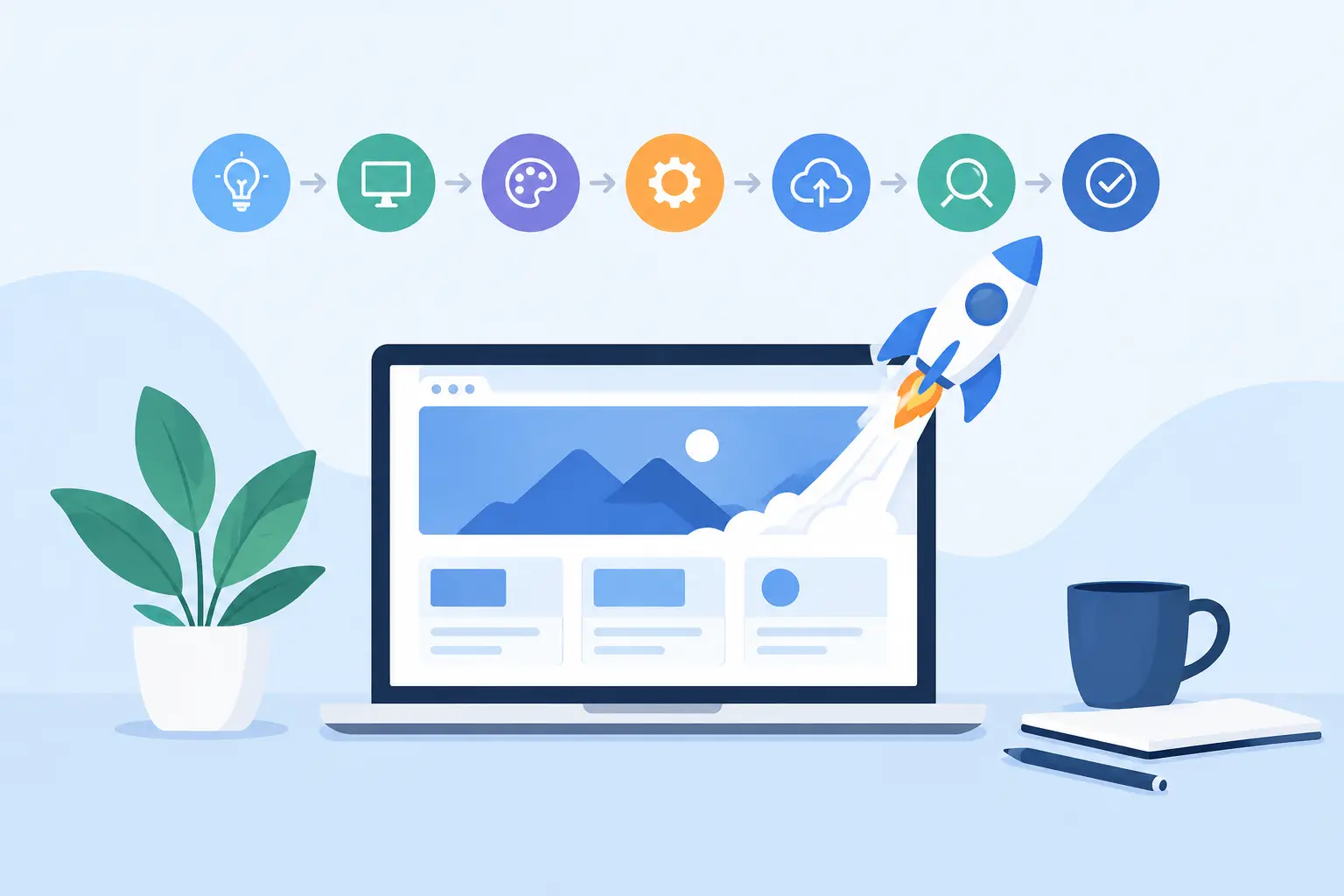
A website launch does not need to become a three-month project filled with revisions, tool switching, and unanswered support tickets. If you need to know how to launch a business website fast, the real answer is not cutting corners. It is making the right decisions early, using a focused site structure, and keeping your domain, hosting, email, and website tools under control from day one.
For most small businesses, the first version only needs to do three jobs: explain what you offer, establish trust, and give visitors a clear way to contact or buy from you. Build that version first. The polished extras can come after your business is live and collecting real customer feedback.
1. Define the one action your website should drive
Before choosing a template or writing a headline, decide what a successful visit looks like. A local service business may need quote requests. A consultant may need discovery calls. An online store needs completed purchases, while a software business may prioritize demos or account signups.
Choose one primary call to action and make every important page support it. When a new site tries to push newsletter signups, social follows, phone calls, product sales, and five different offers with equal weight, visitors hesitate. A focused site launches faster because its content and page layout become easier to decide.
Write a simple positioning statement before you build: “We help [customer] get [outcome] through [service or product].” This is not final brand copy. It is a working instruction for your website. It tells you what belongs on the homepage and what can wait.
2. Secure your domain and business email first
Your domain is the address customers will remember, print on materials, and use to find you again. Register it before publishing content, preferably using a short, readable name that matches your business. Avoid unnecessary hyphens, unusual spellings, and names that are hard to say over the phone.
At the same time, set up a branded email address such as hello@yourbusiness.com or sales@yourbusiness.com. Using a free personal inbox for a new business can create doubt, especially when you are asking customers to submit an inquiry, pay an invoice, or book a service.
This is also where centralization saves time. Managing a domain with one company, email with another, and hosting somewhere else creates extra DNS work and more places for settings to break. A single platform such as ACMMAX can keep these core services in one account, which makes a fast launch more realistic and ongoing administration less fragmented.
3. Pick the fastest platform that fits your operating needs
The best platform depends on what you are launching. An AI website builder is often the quickest route for a brochure site, portfolio, restaurant, agency, or service business that needs professional pages without code. Managed WordPress is a strong option when you want more design control, content publishing flexibility, or access to specialized plugins.
A cloud virtual machine makes sense for developers and teams deploying a custom application, but it is usually not the fastest choice for a first five-page business site. More control also means more responsibility for configuration, updates, security, and troubleshooting.
Choose the tool based on the business you need to run in the next 30 days, not the complex platform you may need two years from now. You can expand into cloud infrastructure, object storage, custom systems, or advanced integrations when revenue and operational requirements justify it.
4. Build only the pages customers need to make a decision
A fast launch does not mean publishing a thin one-page site with no proof. It means building a lean site architecture that answers the questions buyers ask before they contact you.
For most businesses, start with these core pages:
- Home: What you do, who it is for, why customers should choose you, and your primary call to action.
- Services or Products: Clear offers, deliverables, starting prices or pricing guidance, and the next step.
- About: Your experience, operating approach, team, credentials, or business story.
- Contact: Phone, email, service area if relevant, hours, and a short inquiry form.
- Privacy Policy: A basic requirement when you collect contact details, use analytics, or run marketing campaigns.
If your offer is simple, your homepage can carry much of the sales work. If you sell multiple services, create a dedicated page for each high-value service rather than hiding every detail in one long page. This gives visitors a clearer path and creates room to target specific search intent later.
5. Write copy that answers buying questions quickly
Visitors do not need a mission statement full of broad claims. They need to know whether you can solve their problem, how the process works, what it may cost, and how to get started.
Lead your homepage with a specific outcome. “Commercial cleaning for Chicago offices with flexible evening scheduling” is stronger than “Quality solutions for every need.” Specific copy makes your business easier to understand and easier to trust.
Use short sections to address your buyer’s practical concerns: what is included, who the service is for, typical turnaround time, service area, guarantees, qualifications, and next steps. If you are new and do not have testimonials yet, use other proof. Show certifications, founder experience, product specifications, process details, before-and-after examples, or transparent pricing.
Do not delay launch because every sentence feels unfinished. Publish accurate, useful copy now, then improve it based on customer conversations. A live site that is clear beats a perfect draft saved on a laptop.
6. Add conversion essentials before design extras
A clean design supports trust, but it should not slow down the launch. Start with a mobile-friendly template, use two or three consistent brand colors, choose readable fonts, and use real images of your work or team when possible. Stock photography is acceptable when it supports the message, but generic images should not carry the entire brand.
Your call to action should appear near the top of the homepage and again after key sections. Use direct button labels such as “Request a Quote,” “Book a Call,” “Start Your Order,” or “Get a Demo.” “Learn More” is acceptable for secondary links, but it rarely gives high-intent visitors enough direction.
Keep forms short. For an initial service inquiry, name, email, phone number, and a brief message are usually enough. Every extra required field adds friction. If your team needs more information, collect it after the first response.
How to launch a business website fast without skipping testing
A rushed launch can cost more than a delayed one if contact forms fail, mobile pages are unreadable, or customers see incorrect prices. The final testing pass does not need to take days, but it should be deliberate.
First, review the site on a phone as well as a desktop browser. Most small-business visitors will likely arrive from mobile search, social media, or a shared message. Check that text is easy to read, buttons are easy to tap, and no images push critical content below the screen.
Next, test every action as a visitor would. Submit the contact form and confirm the notification reaches the right inbox. Click the phone number. Test booking, checkout, payment, newsletter, or download flows if you use them. Review links, page titles, spelling, business hours, tax settings, and service area details.
Finally, confirm your domain points to the live site and that your branded email sends and receives correctly. These are small checks, but they protect the professional first impression you worked to create.
7. Launch, measure, and improve from real demand
Publishing is the beginning of the operating cycle, not the finish line. Announce the site to current contacts, add the domain to your social profiles and email signature, and use it on invoices, proposals, business cards, and local listings. If you already run ads or outreach, send traffic to a focused page built around that offer.
Track the basics: visits, contact form submissions, calls, booked meetings, sales, and the pages where visitors leave. You do not need a complicated analytics stack on day one. You need enough visibility to see whether visitors understand the offer and complete the action you want.
Then improve one meaningful element at a time. Clarify the headline, add a customer result, simplify a form, publish a service page, or improve loading speed. Fast-growing businesses do not wait for a flawless website. They launch a credible, useful foundation, then let real customer behavior direct the next upgrade.

