
One Click WordPress Deployment Explained
Learn how one click WordPress deployment works, where it saves time, what to watch for, and how to launch faster with fewer setup mistakes.
ACMMAX Insights ·
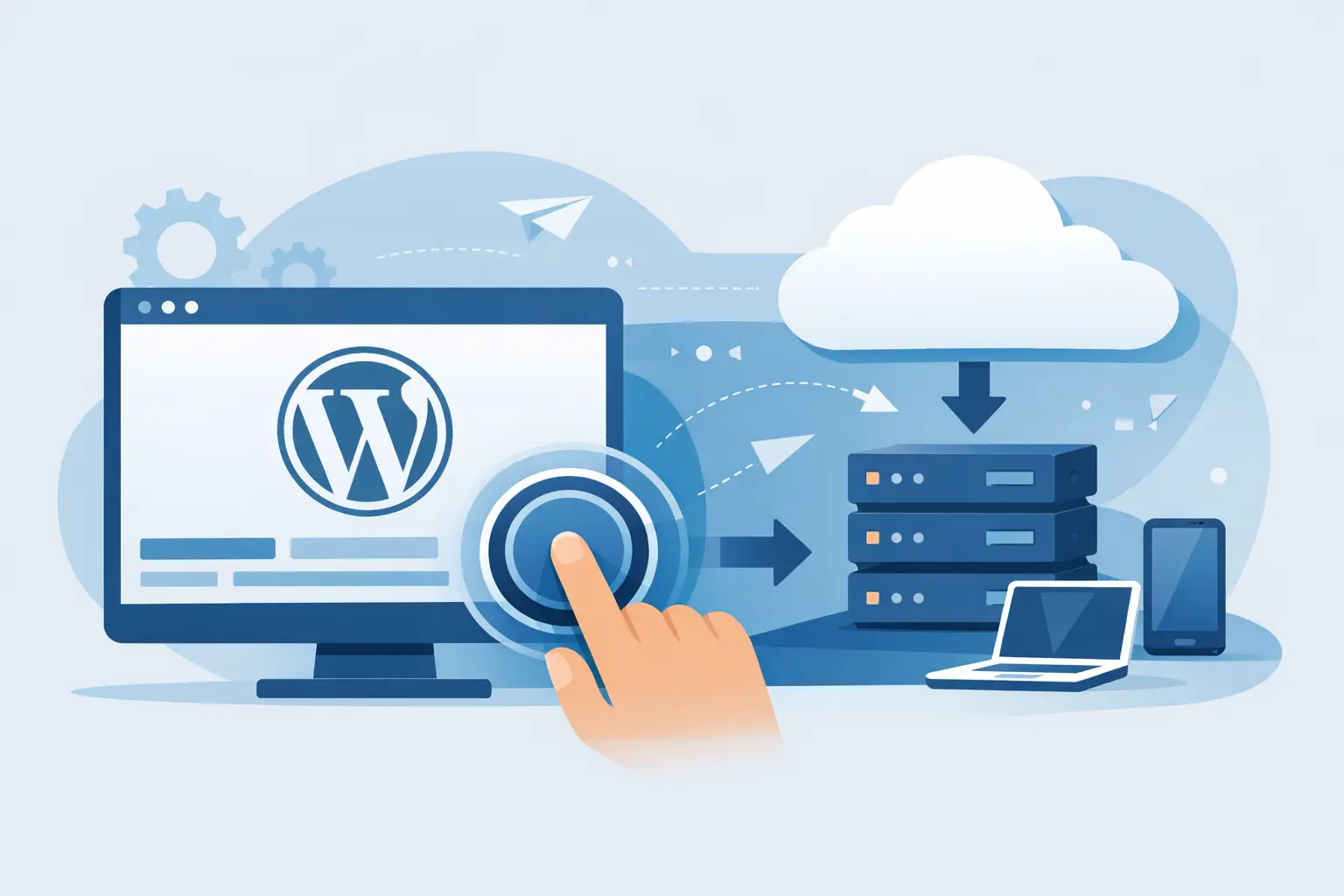
If you have ever spent an afternoon setting up a basic WordPress site, you already know the problem. What should take 10 minutes often turns into DNS checks, database setup, SSL issues, plugin conflicts, and a lot of clicking through dashboards that were never designed to work together. That is exactly why one click WordPress deployment matters. It cuts the setup chain down to a few decisions so you can launch faster and start working on the site instead of the plumbing behind it.
What one click WordPress deployment actually means
One click WordPress deployment is not magic, and it is not the same thing on every platform. At its core, it means the hosting environment, database, WordPress installation, and basic server configuration are provisioned automatically from a single action inside a dashboard.
On a good platform, that one action handles the heavy lifting in the background. The server gets prepared, WordPress gets installed, login details are created, and the site becomes available without asking you to manually create databases, upload files, or run installers. For a beginner, that removes technical friction. For an agency or developer, it removes repetitive setup work.
The key point is speed with fewer chances to make setup mistakes. That is the real value.
Why speed matters more than most businesses think
Every delayed launch has a cost. A freelancer cannot invoice a client for waiting on server configuration. A small business owner does not get leads from a site that is still stuck in setup. An agency loses margin when its team spends billable time on tasks that should already be automated.
One click WordPress deployment helps because it reduces time between purchase and publish. That sounds simple, but it changes how a business operates. You can secure a domain, deploy WordPress, connect email, and move into branding and content much faster when the infrastructure is centralized instead of spread across several vendors.
This matters even more if you manage multiple sites. Saving 30 to 60 minutes per deployment does not feel dramatic on one project. Across ten, twenty, or fifty projects, it becomes a meaningful operational advantage.
Where one click WordPress deployment delivers the biggest gains
The biggest win is obvious - setup speed. But speed is only part of the story.
It also improves consistency. Manual deployments vary from person to person, which means small mistakes creep in. One site gets the wrong PHP version. Another misses SSL. A third ends up with weak defaults because someone rushed the setup. Automated deployment creates a more repeatable starting point.
There is also a cost benefit. When deployment is simpler, you need fewer specialized steps and fewer tools. That is especially useful for entrepreneurs and small teams trying to keep costs tight without accepting low-quality infrastructure.
For less technical users, the biggest gain is confidence. You do not need to understand every layer of web hosting to get a working WordPress site online. That lowers the barrier to entry without preventing growth later.
What a good one click WordPress deployment should include
Not every one-click installer is equally useful. Some only install WordPress and leave the rest of the environment half-finished. That creates a false sense of simplicity.
A solid deployment experience should include server provisioning, database creation, current WordPress installation, and basic security defaults. Ideally, it should also support SSL activation, domain connection, backup options, and a clean path to scaling resources when traffic grows.
That is where platform design matters. If your hosting, domains, email, storage, and site management live in separate tools, one click deployment only solves one small part of the problem. If they are managed from one account, setup becomes much more practical because the pieces actually work together.
For many businesses, that centralized model is the bigger advantage than WordPress alone.
The trade-offs to understand before you choose it
One click WordPress deployment is useful, but it is not always the right fit for every workload.
If you are building a standard company website, blog, landing page system, portfolio, or client site, it makes a lot of sense. You get online fast, avoid routine setup errors, and keep operational overhead low.
If you are building a highly customized application on top of WordPress, or you need unusual server-level control from day one, you may eventually want a more manual environment. That does not mean one-click deployment is bad. It just means your infrastructure needs may outgrow the default setup.
There is also the issue of platform quality. A weak provider can advertise one-click deployment while still giving you poor server performance, outdated software, or limited support. Quick setup does not fix bad infrastructure. It only gets you to bad infrastructure faster.
So the smart question is not just, “Does it have one-click WordPress?” The better question is, “What kind of environment am I getting after the click?”
How to evaluate a one click WordPress deployment provider
Start with the basics: performance, pricing clarity, deployment speed, and what is included after setup. If you need to pay extra for backups, SSL, staging, or basic security, the advertised simplicity can get expensive quickly.
Next, look at account structure. If you need a domain, business email, object storage, cloud instances, or additional apps later, does the provider support that in one dashboard or force you into more vendor sprawl? For growing businesses, centralization is not a luxury. It keeps operations cleaner and easier to manage.
Support also matters. Even with one click WordPress deployment, real questions come up. You may need help pointing a domain, changing PHP settings, restoring a backup, or improving performance after a traffic spike. A provider should make those steps easy, not turn them into a support maze.
Finally, think about growth. A first website may be simple, but business needs rarely stay static. Choose a platform that can support the next stage too.
One click WordPress deployment for agencies and freelancers
For agencies and freelancers, this is less about convenience and more about margin. Manual setup work quietly eats profit. Every repeated technical task reduces the time available for design, SEO, content, CRO, or client strategy.
With one click WordPress deployment, you can standardize site launches and reduce onboarding time for each project. That helps with both client turnaround and internal efficiency. It also makes delegation easier. Team members do not need deep infrastructure knowledge just to launch a clean WordPress environment.
There is another benefit that often gets missed: client handoff. When sites are deployed in a structured, centralized platform, ongoing management is simpler. That creates a better experience for both agencies and customers.
One click WordPress deployment for business owners
If you are not technical, the biggest advantage is that you get to focus on the business side faster. Branding, pages, products, booking forms, lead capture, and content are what move the site forward. Server-side setup usually does not.
That said, one click deployment should not make you ignore the basics. You still need to choose the right theme, keep plugins under control, set up backups, and pay attention to speed and security. The deployment saves time at launch, but it does not replace site management.
The upside is that you begin from a cleaner, faster starting point.
Why the best setup is usually the simplest one
A lot of businesses overcomplicate launch. They piece together separate hosting, DNS, email, storage, and site tools because that feels flexible. In practice, it often creates delays, extra cost, and avoidable confusion.
That is why platforms built around centralized infrastructure are gaining traction. When you can deploy WordPress quickly and manage adjacent services from the same account, you remove friction across the whole operation, not just the install step. ACMMAX fits this model well because it combines hosting, domains, email, storage, and launch tools in one place, which is exactly what many small teams need when speed and cost control matter.
One click WordPress deployment is not about doing less. It is about removing the work that does not deserve your time so you can put more energy into growth, content, sales, and customer experience.
The right setup should help you go live fast, stay organized, and leave room to scale when the site starts doing its job.

