
S3 Compatible Storage for Backups Explained
Learn how s3 compatible storage for backups cuts costs, simplifies recovery, and scales with your business without adding enterprise complexity.
ACMMAX Insights ·
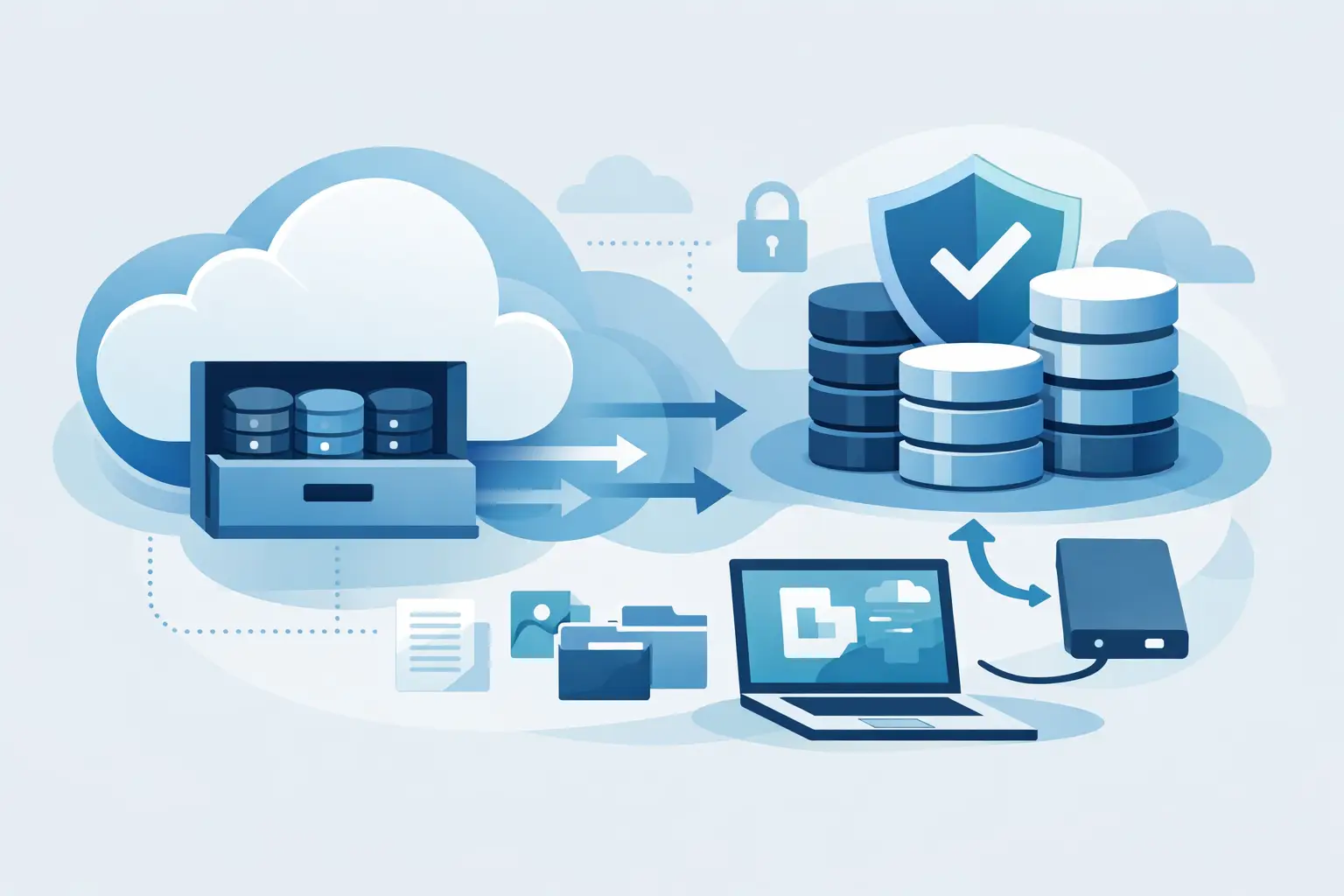
Backups usually get attention right after something goes wrong - a bad plugin update, a deleted client folder, a ransomware scare, or a server that fails at the worst possible moment. That is exactly why s3 compatible storage for backups matters. It gives businesses a practical way to store backup data off-server, scale without buying hardware, and keep recovery workflows simple enough to use when time is tight.
For small businesses, agencies, freelancers, and online operators, the goal is not to build a giant storage architecture project. The goal is to protect websites, databases, media files, and client assets without creating more overhead than the backup system is supposed to solve. S3-compatible storage fits that job well because it is widely supported, flexible, and cost-efficient.
What s3 compatible storage for backups actually means
S3 started as a storage API model that became the standard many backup tools now support. When a provider offers S3-compatible object storage, it means your apps and backup software can usually connect using the same general S3 method: endpoint, access key, secret key, bucket, and permissions.
That compatibility matters because it gives you options. You are not tied to a single vendor's interface or forced into a backup tool that only works with one cloud. If your WordPress backup plugin, database export job, server snapshot process, or custom script supports S3, it can often work with any properly implemented S3-compatible storage service.
For backups, that reduces friction. You can move data off the production server, automate retention rules, and keep storage separate from the system you are trying to protect. If the main server fails, your backups are still elsewhere.
Why businesses choose S3-compatible backup storage
The biggest advantage is simplicity at scale. Object storage is built to hold large amounts of data without forcing you to manage disks, RAID arrays, or on-prem hardware. You pay for the storage and usage you need, then expand as your backup footprint grows.
That makes sense for businesses with changing workloads. A freelancer may start by backing up one WordPress site and a few design assets. An agency may need to protect dozens of sites, staging copies, client media libraries, and exported databases. S3-compatible storage handles both ends without a redesign.
There is also a cost angle. Traditional block storage or local server disks can get expensive if you keep growing backup archives on production infrastructure. Offloading that data to object storage often lowers costs and frees up server resources. It also separates live workloads from backup storage, which is good operationally. Your web server should serve traffic, not spend all day carrying months of archive files.
Where S3-compatible storage works best for backups
The strongest use case is offsite backup retention. If your backups live on the same machine as your application, you do not really have a full backup strategy. You have a copy waiting to be lost in the same incident.
S3-compatible storage works well for website backups, VM exports, database dumps, application uploads, logs, static assets, and periodic file archives. It is especially useful when backup software already supports S3 destinations out of the box. Setup is usually straightforward, and once the target bucket is configured, recurring backups can run automatically.
It is also useful for multi-client environments. Agencies and developers often need one storage system that can support separate buckets, access credentials, and organized retention policies. That is far easier to manage than juggling random external drives or scattered cloud accounts.
The trade-offs you should understand
S3-compatible storage is not magic, and backup performance depends on how you use it. Object storage is excellent for durability and scale, but recovery speed depends on file sizes, bandwidth, backup structure, and how your software restores data.
If you back up millions of tiny files one by one, jobs may run slower than a compressed archive approach. If you need instant live failover for mission-critical systems, object storage alone may not replace replication or high-availability design. Backups and uptime planning are related, but they are not the same thing.
There is also the question of retrieval behavior. Some providers charge differently for storage, requests, and outbound traffic. Others keep pricing simpler. That is why backup storage should be evaluated on total operating cost, not just the price per gigabyte. Cheap storage with messy billing can become expensive fast if you restore often or run frequent verification jobs.
Security is another area where details matter. S3-compatible storage is only as safe as your credential management, bucket permissions, encryption settings, and backup discipline. Public exposure mistakes still happen. The API standard helps compatibility, but it does not remove the need for proper access control.
How to evaluate an S3-compatible backup storage provider
Start with compatibility, but do not stop there. Your backup software needs to connect reliably, yet long-term usability depends on more than API support.
Look at pricing transparency first. If you cannot quickly understand storage costs, request costs, and data transfer rules, budgeting becomes harder than it should be. For small businesses and agencies, predictable monthly costs matter.
Next, consider deployment speed and account simplicity. If you need a separate vendor for storage, another for hosting, another for domains, and another for email, operations become fragmented. Many businesses now prefer platforms that centralize core services so storage is one more component in the same workflow, not another account to babysit.
Durability and access management also deserve attention. You want reliable object storage, private buckets, clean credential controls, and easy integration with scripts, applications, and backup tools. A nice dashboard helps, but what really matters is whether your backups run on schedule and restore when needed.
A practical setup for s3 compatible storage for backups
For most businesses, the best setup is simple. Keep your live app or website on hosting or cloud infrastructure, generate automated backups on a schedule, and push them to an S3-compatible object storage bucket outside the production environment.
For a WordPress site, that often means daily database backups and scheduled full-site backups. For a virtual machine, it may mean image snapshots plus file-level copies for key application data. For agencies, it usually means separate buckets or prefixes per client, with retention rules based on project value and change frequency.
A smart retention model keeps recent backups close at hand while trimming older copies on a schedule. You do not need infinite retention for every small site, but you also do not want only one backup from last night. A more balanced policy might keep daily copies for a short period, weekly copies for a longer window, and monthly copies for historical recovery.
Just as important, test restores. A backup job that completes successfully is only half the job. You need proof that files can be recovered, databases can be imported, and applications can be brought back online without guesswork.
Why centralized infrastructure makes backup storage easier
This is where platform design starts to matter. Businesses grow faster when their core services work together. If your storage, hosting, domains, and business tools sit in one place, setup is faster and administration stays cleaner.
That is one reason many growing operators prefer unified platforms such as ACMMAX. Instead of piecing together separate vendors for infrastructure basics, they can run websites, cloud workloads, and S3-compatible object storage under one account. That reduces account sprawl, shortens setup time, and makes backup planning easier to manage as the business expands.
This matters even more for lean teams. Most small businesses do not have a dedicated infrastructure engineer reviewing backup logs every morning. They need systems that are affordable, easy to activate, and simple to maintain without giving up flexibility.
Who should use it and who should think twice
If you run websites, online stores, client projects, SaaS apps, or content-heavy platforms, S3-compatible storage is a strong fit for backups. It is especially useful when you need low-friction automation, scalable storage, and broad software support.
If your environment has strict compliance requirements, ultra-low-latency recovery targets, or highly customized disaster recovery architecture, you may need more than object storage alone. In those cases, S3-compatible backup storage is still valuable, but it should be part of a broader recovery plan rather than the whole strategy.
The right question is not whether S3-compatible storage is good in the abstract. It is whether it gives your business a backup system you will actually use consistently, afford comfortably, and trust during a real incident.
That is the standard that matters. The best backup storage is not the most complex option on paper. It is the one that keeps your data recoverable, your costs under control, and your operations moving when something breaks.

