
S3 Compatible Storage Guide for Growing Teams
This S3 compatible storage guide explains buckets, access, pricing, security, and setup choices so growing teams can store data with confidence daily.
ACMMAX Insights ·
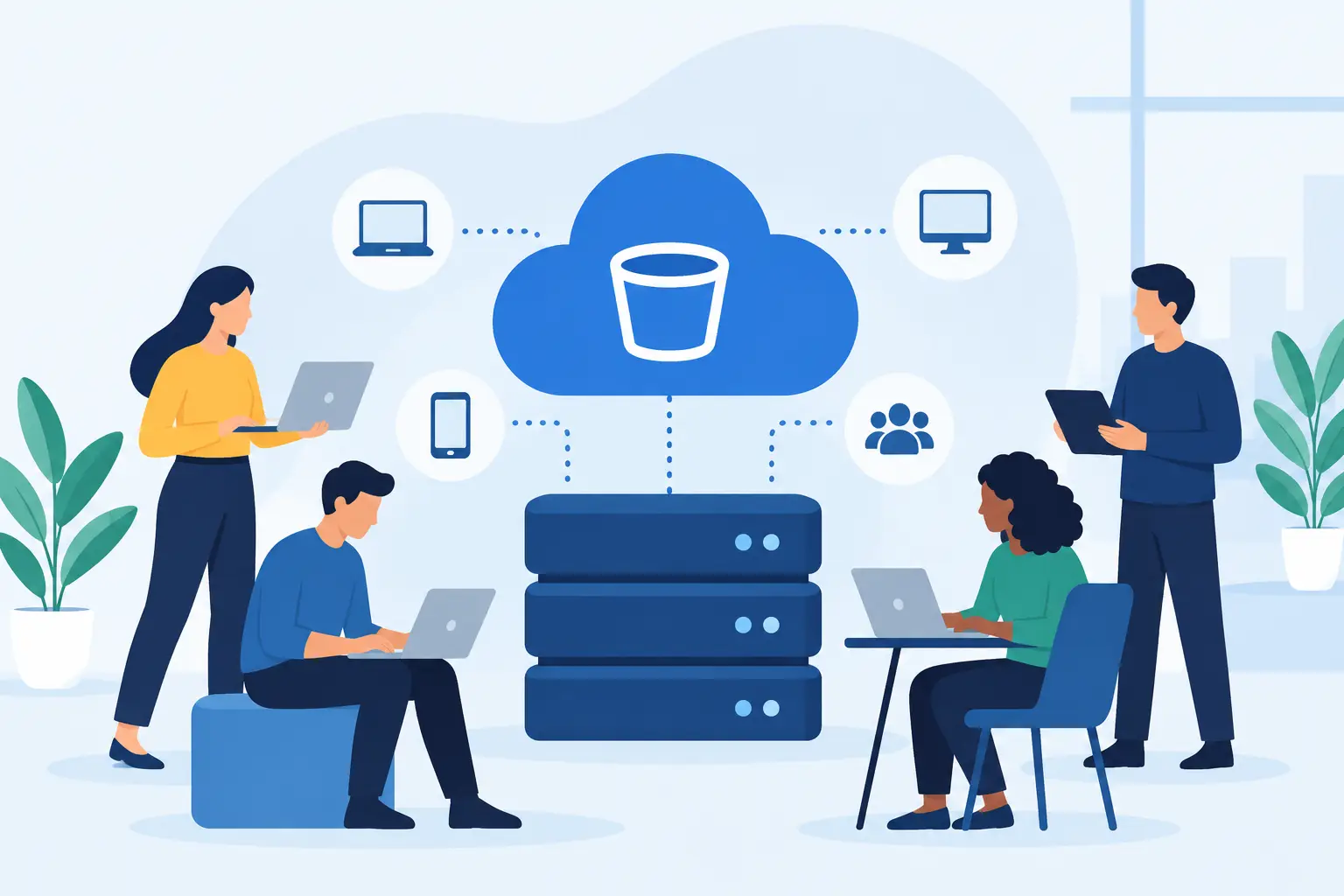
A website backup that cannot be restored, a product catalog that loads slowly, or client files scattered across multiple services can stop a small business cold. This S3 compatible storage guide explains how object storage gives you a practical way to keep growing volumes of data organized, accessible, and ready for the applications you already use.
S3 compatibility is not just a developer feature. It is a business advantage for agencies managing client assets, ecommerce teams serving images and downloads, SaaS operators handling uploads, and founders who want storage that does not require rebuilding their workflow as the business expands.
What S3 Compatible Storage Actually Means
S3 compatible storage is object storage that works with the Amazon S3 API. The API is a common set of commands that applications use to create buckets, upload files, retrieve objects, manage permissions, and apply storage policies.
The key point is that S3 compatible does not mean the storage is Amazon S3. It means software built to speak the S3 API can usually connect to another compatible provider with only a few configuration changes. Instead of rewriting an application, you typically update the endpoint, access key, secret key, region if required, and bucket name.
Files are stored as objects inside buckets. Each object includes the file itself, a unique key or path, and metadata such as its content type, size, and creation date. This model works especially well for unstructured data: images, videos, backups, documents, logs, installers, database exports, and user uploads.
For a growing business, the payoff is flexibility. Your WordPress backup tool, deployment pipeline, media library, or custom application can use a familiar storage interface while you choose a provider based on price, location, support, and operational fit.
Why Object Storage Fits More Than Backups
Backups are the most common starting point, but they are only one use case. Object storage is built for high volumes of files that need durable storage and programmatic access. It is not a replacement for every kind of disk.
A cloud virtual machine needs block storage for its operating system and active application files. A database usually needs fast, low-latency storage designed for frequent reads and writes. Object storage is better for data that can be retrieved by object name or URL rather than mounted as a traditional server drive.
For example, an agency can keep monthly client backups in separate buckets, store campaign creative in a shared media bucket, and retain server logs in a third bucket with automated cleanup rules. An online store can serve product photos from object storage while keeping its storefront and database on managed hosting or a cloud VM.
This separation makes operations cleaner. Your production server stays focused on running the application, while large files and long-term archives move to storage designed for scale.
S3 Compatible Storage Guide: The Core Decisions
Before creating your first bucket, decide what you are storing, who needs access, how quickly files must be retrieved, and how long they must be retained. Those answers shape the configuration more than the storage brand itself.
Start with buckets and naming
A bucket is the top-level container for objects. Create buckets around access boundaries and operational purpose, not around every project folder. A practical setup might use separate buckets for production uploads, private backups, public website assets, and internal archives.
Use clear names that remain useful six months from now. Names such as agency-client-backups or store-product-media communicate purpose immediately. Avoid placing sensitive customer details in bucket names, especially if the name may appear in logs, URLs, or integrations.
Within a bucket, organize objects with prefixes. Although prefixes look like folders, object storage does not work exactly like a traditional file system. A key such as 2026/07/client-a/database.sql.gz gives you an orderly structure without creating actual directories.
Choose private access by default
The most common storage mistake is exposing more data than intended. Set buckets to private unless files truly need public access. Backups, invoices, exports, customer uploads, and internal documents should not be readable by anyone who discovers a URL.
When an application needs temporary access to a private file, use signed URLs or pre-signed requests where supported. These grant limited access for a defined period without making the entire bucket public. This is useful for download portals, private media, and temporary file sharing.
Use separate credentials for separate applications whenever possible. A website that only uploads product images should not have permission to delete backup archives. Apply the least-privilege approach: give each credential only the bucket and actions it needs.
Know your pricing variables
Low storage pricing matters, but it is not the only cost line. Object storage bills can include stored capacity, outbound data transfer, API requests, retrieval fees, or minimum retention rules depending on the provider and storage class.
Compare the full pattern of use. A nightly backup archive has different economics from a public image library receiving thousands of requests per hour. If your application serves media directly to visitors, estimate monthly bandwidth as carefully as the amount of data stored.
Transparent pricing is particularly valuable for small teams because surprise transfer fees can erase an apparently low storage rate. Review the billing model before moving production data, then set usage alerts or internal reporting so growth does not become a billing mystery.
A Practical Setup Path
You do not need a complicated architecture to get value from object storage. Start with one clear workload, test recovery, then expand. The following sequence works for most small businesses and development teams:
- Create a private bucket for a single purpose, such as website backups or application uploads.
- Create a dedicated access key with only the permissions required for that workload.
- Configure your backup tool, application, or S3 client with the provider endpoint and credentials.
- Upload a test file, download it, and verify its contents before relying on the workflow.
- Set a retention policy so outdated archives do not accumulate forever.
- Document who owns the bucket, where credentials are stored, and how recovery is performed.
The restore test is the step many teams skip. A backup job marked successful only proves that data was sent somewhere. It does not prove you can find the right version, authenticate successfully, download it in time, and restore the application without missing dependencies.
For business-critical systems, schedule restore tests at regular intervals. Record how long they take. Your recovery target should be based on the real result, not an assumption.
Tools and Compatibility Checks That Prevent Trouble
S3 compatibility makes migration easier, but compatibility has levels. Basic operations such as uploading, downloading, listing objects, and deleting files are widely supported. More advanced capabilities may vary between providers, including lifecycle rules, object locking, event notifications, replication, encryption settings, versioning behavior, and access policy syntax.
Check your exact tool before moving a large workload. If you use a WordPress backup plugin, a command-line utility, a media offload extension, or a custom application SDK, confirm that it supports a custom S3 endpoint. Most modern tools do, but the configuration fields and regional assumptions can differ.
For teams that want a unified operating setup, ACMMAX offers S3-compatible object storage powered by MinIO alongside cloud servers, managed hosting, domains, and business email. Centralizing these services can reduce account sprawl, but keep environments and permissions separated inside your storage design.
Security and Retention Need a Written Policy
Storage security is not solved by a strong password alone. Use access keys carefully, rotate them when a team member leaves or a credential may be exposed, and never hard-code secrets into public repositories or website files. Store credentials in environment variables or a secure secrets manager where possible.
Versioning can protect against accidental overwrites and deletions by retaining previous object versions. It uses more storage, so it is a trade-off. For critical backups and customer-generated files, the added recovery option is often worth the cost. For temporary build artifacts, a short lifecycle policy may be the better choice.
Retention should match the value and legal requirements of the data. Keep daily backups long enough to catch delayed problems, maintain monthly archives when needed, and automatically remove temporary files. A storage bucket with no retention policy tends to become an expensive digital attic.
Encryption also matters. Verify encryption in transit through HTTPS, and understand whether your provider encrypts data at rest by default or offers customer-managed key options. The right level depends on your data sensitivity, compliance obligations, and team capacity to manage keys safely.
When S3 Compatible Storage Is Not the Best Choice
Object storage is powerful, but it is not the answer to every performance issue. Do not use it as the primary live disk for an application that expects normal file-system behavior, frequent file locking, or extremely low-latency updates. Use block storage or a managed database for those workloads.
It may also be unnecessary for a very small static site with only a few files and no backup process. In that case, your immediate priority may be reliable managed hosting and a simple backup plan. Add object storage when media, archives, client files, or application data begin creating cost, capacity, or operational pressure.
The best storage setup is the one your team can operate confidently. Start with a private bucket, a tested restore process, clear permissions, and a retention rule that matches the business. Once those basics are in place, S3-compatible storage becomes less of a technical expense and more of a dependable foundation for the next stage of growth.

