


Teks penuh artikel ini dalam bahasa Inggeris.
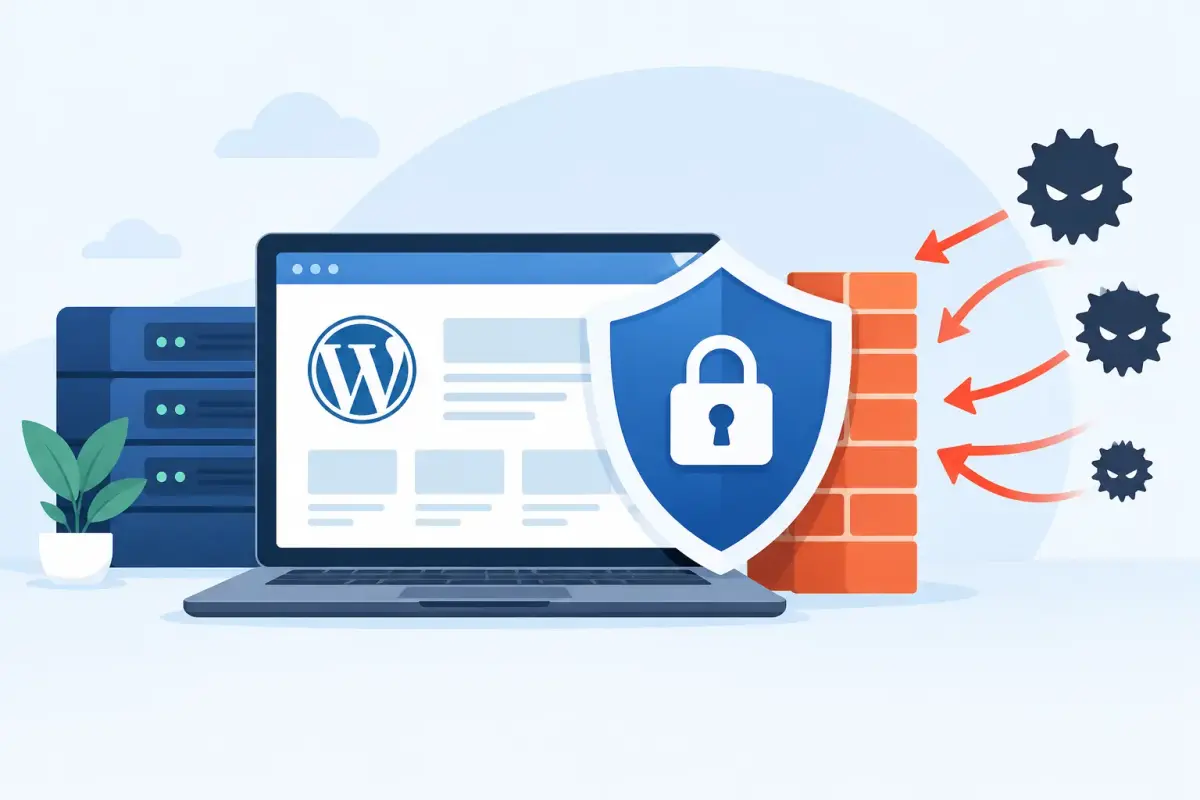
A WordPress firewall is most valuable before a bad request reaches your website. That matters when a contact form is suddenly flooded with spam, a login page is hit by password-guessing attempts, or a plugin vulnerability becomes public. The best WordPress firewalls reduce that exposure without creating a daily support burden for your team.
For a small business, agency, or freelancer, the right choice is not always the firewall with the longest feature list. It is the option that fits your hosting setup, traffic level, budget, and ability to manage alerts. A cloud-based firewall can block traffic before it reaches the server. A WordPress security plugin can provide useful in-site visibility and controls. Many organizations benefit from using both, as long as their settings are coordinated.
What a WordPress Firewall Actually Does
A web application firewall, usually called a WAF, evaluates website requests and blocks behavior that looks malicious. Depending on the product, it can help stop brute-force login attempts, known exploit patterns, bot traffic, suspicious file requests, comment spam, and some denial-of-service activity.
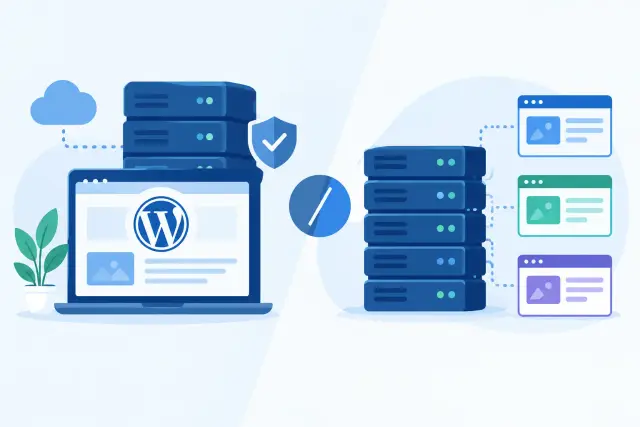
There are two common deployment models. A cloud WAF sits in front of your site at the DNS and network edge. It can filter requests before they consume WordPress or hosting resources, which is valuable during traffic spikes and automated attacks. A plugin firewall runs within or alongside WordPress on the server. It can inspect activity closer to the application and often provides detailed logs, user controls, malware scanning, and file-change monitoring.
Neither model replaces updates, backups, strong administrator passwords, or careful plugin selection. A firewall is one layer of website operations, not a substitute for routine maintenance.
Best WordPress Firewalls by Use Case
The products below are established options with different strengths. Pricing, included features, and plan limits can change, so review the current plan details before committing.
| Firewall | Best fit | Primary approach | Watch for | |---|---|---|---| | Cloudflare | Businesses needing edge protection and performance tools | Cloud WAF and CDN | Advanced WAF controls vary by plan | | Sucuri | Sites that want managed cleanup options alongside a WAF | Cloud WAF and security service | Requires DNS changes for full proxy protection | | Wordfence | WordPress-focused teams that want deep site visibility | Plugin firewall and scanner | Scanning can use server resources | | Solid Security | Small teams focused on login and WordPress hardening | Plugin security controls | Less focused on edge traffic filtering | | MalCare | Agencies managing multiple WordPress sites | Plugin firewall, scanning, and cleanup | Review per-site licensing costs | | NinjaFirewall | Technical users wanting server-level WordPress filtering | Plugin firewall | Interface and setup are less beginner-oriented | | All In One WP Security | Budget-conscious sites needing basic hardening | Plugin security controls | Not a replacement for an edge WAF |
Cloudflare: best for edge protection and performance
Cloudflare is often a practical starting point for businesses that want a firewall in front of WordPress rather than solely inside it. It can filter traffic before requests reach the origin server and also provides content delivery and performance features. This can reduce load caused by bots, malicious scans, and unwanted requests.
It is especially useful for public-facing business sites, stores, and agencies that manage sites with traffic from multiple locations. The trade-off is configuration. DNS must be set up correctly, and firewall rules should be tested carefully so legitimate visitors, payment services, or third-party tools are not blocked. Advanced rule controls may also require a paid plan.
Sucuri: best for a managed security service
Sucuri combines a cloud firewall with security monitoring and cleanup services on certain plans. That makes it a strong option for organizations that would rather have a specialist involved when malware or a compromise occurs.
Its firewall is designed to stop common website attacks before they reach WordPress. The managed service angle is the key difference: a business without in-house WordPress security expertise may value clear escalation and remediation options more than a large collection of dashboard settings. The full firewall setup requires routing traffic through its service, so plan the DNS change and test key pages afterward.
Wordfence: best for WordPress-specific visibility
Wordfence is one of the most recognized WordPress security plugins because it combines a firewall, malware scanner, login protection, and activity reporting. For site owners who want to see blocked IPs, failed logins, file changes, and security alerts inside the WordPress dashboard, it provides substantial detail.
The free version can be useful for smaller sites, while paid plans offer faster access to firewall rules and additional features. Because scanning and security checks run in the WordPress environment, busy sites should monitor resource use. Wordfence works well as a detailed application-level layer, but it does not provide the same early traffic filtering as a cloud WAF.
Solid Security: best for account security and hardening
Solid Security is a sensible choice when the main concern is reducing avoidable WordPress risk: weak credentials, exposed login paths, outdated settings, and excessive failed login attempts. It offers controls for two-factor authentication, password policies, login protection, and site hardening.
It is particularly relevant for a business site with several administrators or an agency handing off access to clients. Think of it as a strong set of WordPress guardrails rather than a complete edge firewall. Pairing it with managed hosting protections or a cloud WAF may be appropriate for sites that face regular bot traffic.
MalCare: best for agencies and multi-site maintenance
MalCare is built around malware scanning, cleanup, and management across WordPress sites. Its firewall and bot protection features can be useful for agencies that need a repeatable security process instead of logging into each client site to check alerts.
The centralized workflow is a real advantage when managing many installations. Still, agencies should compare the cost per site against the services they already provide and avoid overlapping tools that send duplicate alerts. Clear ownership matters: decide who reviews warnings, approves cleanup work, and handles plugin updates.
NinjaFirewall and All In One WP Security: practical alternatives
NinjaFirewall appeals to technical users who want more direct control over filtering and server-side behavior. It can be effective, but the learning curve is steeper than the more guided products above. It is better suited to an operator who understands WordPress file structure, logs, and the consequences of strict rules.
All In One WP Security is a useful lower-cost option for basic hardening, login limits, and security settings. It can improve a poorly configured site, but it should not be positioned as equivalent to a dedicated cloud WAF. For a revenue-generating website, basic plugin protection alone may leave too much traffic reaching the server.
How to Choose Between the Best WordPress Firewalls
Start with where you need traffic stopped. If your website has frequent bot activity, is business-critical, or needs protection from traffic that could affect server performance, prioritize a cloud WAF. If your main issue is administrator access, suspicious changes, and WordPress-level monitoring, a security plugin may be the better first purchase.
Then consider who will operate it. A firewall that sends daily alerts without an assigned reviewer becomes background noise. Small businesses usually need a low-maintenance setup with clear defaults, while agencies may need central reporting, client separation, and repeatable deployment. Technical teams may prioritize rule customization and log access.
Also review compatibility before switching anything on. Check how the firewall handles caching, ecommerce checkout pages, membership logins, APIs, forms, and remote workers. A rule that blocks malicious traffic but interrupts customer checkout is not an acceptable result. Put the site in a test workflow where possible, then confirm key user journeys after deployment.
A Practical Firewall Setup Checklist
A good firewall implementation is more than installing a plugin and accepting its default settings. Begin by updating WordPress core, themes, and plugins, then remove software that is no longer used. Create a current backup and confirm that it can be restored. Security controls are only as useful as your recovery process when something unexpected happens.
Next, protect administrator accounts with unique passwords and two-factor authentication. Limit the number of administrator users, remove former staff accounts, and avoid sharing one login across a team. Configure login rate limiting and review any allowlists carefully, especially if staff work from changing locations.
For a cloud firewall, change DNS only when you understand the existing records for your website, email, and subdomains. Test the homepage, contact forms, account logins, checkout, email delivery, and integrations after the change. For a plugin firewall, schedule scans during lower-traffic periods if resource use is a concern.
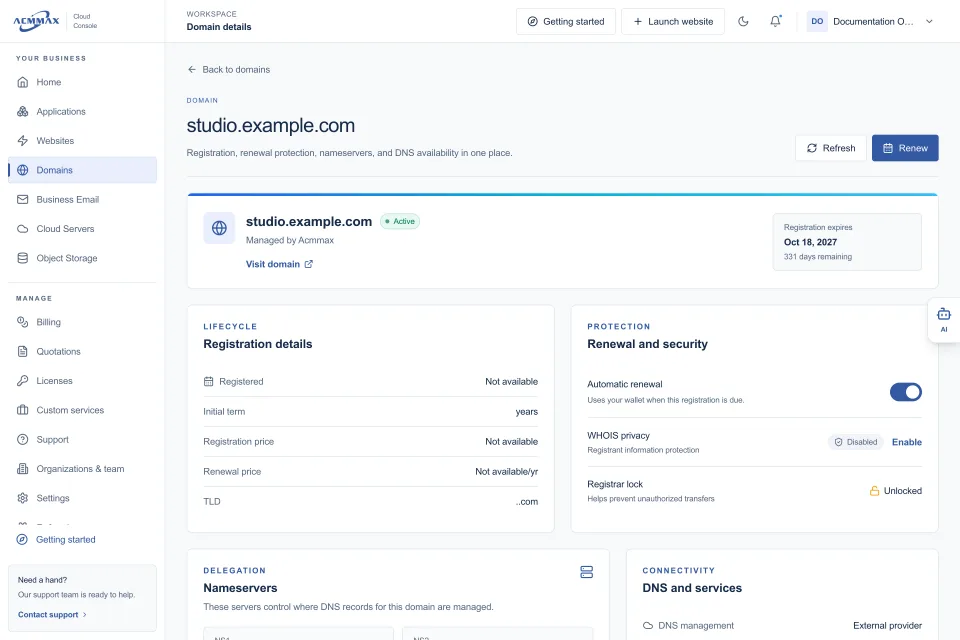
Finally, define a simple operating routine. Review high-priority alerts, apply security updates promptly, check backups, and reassess rules after a new plugin, redesign, or hosting migration. Platforms such as ACMMAX can simplify the surrounding work by keeping WordPress management, backups, domains, DNS, and service administration in one console, but the security settings still need an owner.
The best firewall is the one that blocks meaningful threats while your team can still manage the site confidently. Choose the layer that matches your risk, test it against real customer journeys, and make security maintenance part of normal website operations rather than a task saved for an emergency.