Server Migration Without Costly Downtime
A practical server migration plan for moving websites, apps, email, and data with less downtime, clear testing, and a reliable rollback path for busy teams.
ACMMAX Insights ·
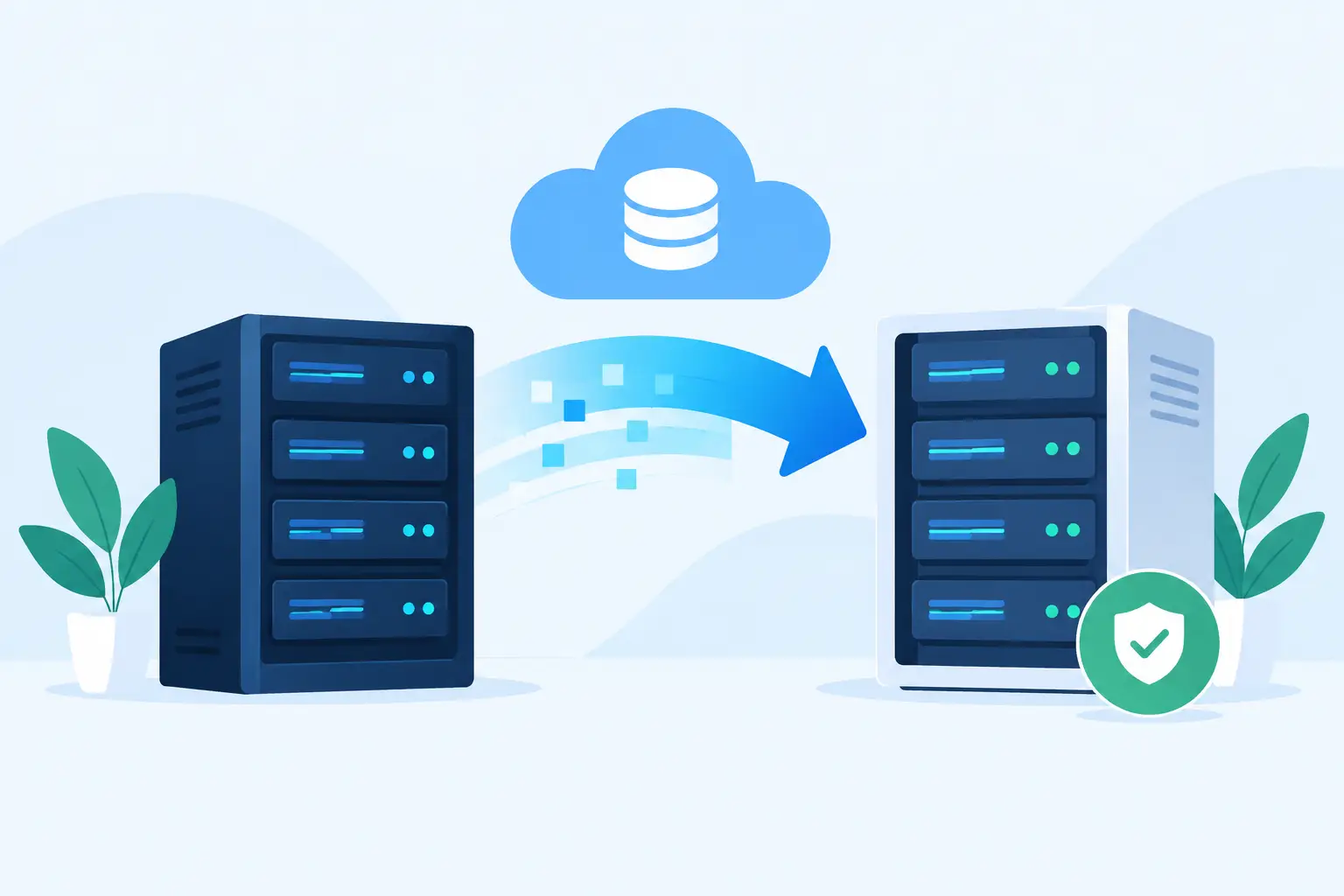
A server migration is rarely just a matter of copying files to a new machine. For a small business, agency, or growing online store, it can affect website availability, customer forms, email delivery, DNS records, backups, billing, and the tools your team uses every day. The goal is not simply to get the new server online. It is to move services with controlled risk, clear ownership, and a recovery plan if something does not behave as expected.
The best migrations start before anyone changes a DNS record or begins a data transfer. A practical plan protects the live environment while giving the new setup enough time to be tested properly.
Start by Defining What the Server Migration Includes
The first mistake teams make is treating the server as the whole workload. A server may host an application, but the application usually depends on other services: a database, file storage, scheduled tasks, SSL certificates, SMTP settings, third-party APIs, domain DNS, and sometimes separate email hosting.
Create an inventory of what is actually running. For a WordPress website, that normally includes the site files, database, uploads, active plugins, PHP version, caching configuration, redirects, cron jobs, and transactional email settings. For a custom application, document the runtime version, environment variables, background workers, database engine, firewall rules, storage mounts, and deployment process.
This inventory should also identify what will not move. For example, a business may move a website to a cloud server while keeping its domain registration and professional email service where they are. That can reduce scope, but only if DNS, mail records, and application email settings are checked carefully.
A useful migration brief answers three questions: what is moving, what depends on it, and who is responsible for each step. If a website agency manages the site while the business owns the domain account, both parties need access and a clear timing plan before the cutover begins.
Choose a Migration Approach That Fits the Workload
There is no single best method for every server migration. The right approach depends on application complexity, traffic levels, downtime tolerance, and how much control the new environment requires.
A simple website with modest traffic can often be moved by taking a fresh backup, restoring it on the destination, testing it, and then updating DNS. This approach is efficient, but it creates a gap between the backup time and the final cutover. If the site receives orders, form submissions, or member registrations during that gap, those changes need to be accounted for.
For a database-driven site with regular activity, use a staged approach. Copy the files and an initial database export first, then schedule a final database sync during a maintenance window. The shorter final sync reduces the chance of missing recent data.
Applications with strict availability requirements may need replication, load balancing, or a blue-green deployment model. In that setup, the old and new environments run side by side until the new version is ready to receive live traffic. It takes more planning and may cost more during the transition, but it provides a safer path for busy systems.
For many small businesses, a short planned maintenance window is the sensible trade-off. It is usually less expensive and less complex than building high-availability migration infrastructure. The key is to communicate the window, minimize the changes made during it, and have rollback steps ready.
Prepare the New Server Before Moving Production Data
Do not use the migration window to discover that the destination server is missing a required PHP extension, has insufficient disk space, or cannot send email. Build and validate the new environment first.
Match the production requirements where they matter. Confirm the operating system, web server, runtime versions, database versions, memory limits, file permissions, and security rules. A newer software version can be a good long-term choice, but combining a major upgrade with a move increases variables. If the business needs a low-risk transfer, migrate first and schedule large platform changes separately.
Set up backups on the destination before cutover, not after it. The first backup should be verified by restoring a file or database to a test location. A backup that exists but cannot be restored is not a reliable recovery option.
Also review capacity. Storage must cover current files, databases, logs, growth, and retained backups. Server memory and CPU should reflect real traffic patterns, especially if the site uses ecommerce, membership features, page builders, or resource-heavy plugins. A migration is a good time to replace an undersized plan, but it is not a reason to pay for capacity that the workload will not use.
Test on a Private Address Before DNS Changes
The most valuable part of a server migration happens before visitors are sent to the new server. Test the destination privately using a temporary URL, hosts file entry, or controlled preview method. This lets your team inspect the new environment without changing the public domain.
Check more than the homepage. Test the actions that make the website useful: logins, contact forms, checkout flows, search, file uploads, account areas, redirects, and administrative tasks. Submit a test form and verify that it reaches the correct mailbox. Make a test purchase if the site processes payments. Review server logs for errors that are not visible on screen.
For WordPress sites, pay close attention to caching and URLs. Cached pages may display an old version of the site, while hard-coded URLs can send visitors back to the previous server. Check image paths, canonical URLs, SSL behavior, sitemap generation, and scheduled tasks. If the site uses a content delivery network or external firewall, confirm that the new server IP is allowed and that cache purges are part of the cutover plan.
Testing should produce evidence, not just a general impression that the site looks right. Record what was checked, who checked it, and any known exceptions. That record makes the final decision easier when several people are involved.
Plan the DNS Cutover and Final Sync
DNS is often the visible moment of a migration, but it should be one controlled step in a larger process. Lower the DNS TTL in advance if your provider allows it. A lower TTL can help changes propagate more quickly, although caching behavior varies and some visitors may continue reaching the old server for a period of time.
Before the cutover, take one final backup of the live system. Put the application into maintenance mode if needed, pause deployments, and stop any high-risk changes such as plugin updates or content imports. Then complete the final database or file sync, update the necessary DNS records, and verify that the new server is receiving traffic.
Do not immediately cancel the previous server. Keep it available, but prevent it from accepting new orders or form submissions if both environments might receive traffic during propagation. Retaining the old environment for a defined period gives your team a practical rollback option and a reference point if a missing file or configuration issue is discovered.
Have a Rollback Plan That Can Be Used Quickly
A rollback plan is not a vague promise to restore a backup. It should state exactly what triggers a rollback, who can authorize it, and what changes must be reversed.
Typical rollback triggers include failed payments, unavailable customer logins, database errors, missing uploads, broken email notifications, or performance that is materially worse than the previous environment. Decide beforehand how long the team will investigate before reverting. That decision matters because the longer visitors use the new system, the more difficult data reconciliation becomes.
At minimum, your rollback plan should cover these actions:
- Restore DNS records to the previous server or traffic endpoint.
- Re-enable the previous application environment and confirm it is healthy.
- Preserve logs and error details from the new server for diagnosis.
- Record any data created after cutover so it can be reconciled later.
A rollback is not always a failure. It can be the responsible choice when an issue affects revenue, customer trust, or business operations. The purpose of the migration plan is to give the team a safe way to make that choice without pressure or confusion.
Verify Operations After the Move
Once the new server is live, monitor it closely through the first business cycle. A site may pass a quick test but fail later when scheduled backups run, invoices are generated, customers reset passwords, or a background task reaches a service limit.
Review uptime monitoring, resource usage, error logs, backup completion, security alerts, and email delivery. Confirm that renewal dates, access permissions, and billing contacts are current as well. These administrative details are easy to overlook when infrastructure is spread across several providers.
A unified service console can reduce that operational overhead. For example, ACMMAX brings website services, cloud servers, domains, business email, storage, billing, and support administration into one place, which can make post-migration checks easier for small teams managing several connected services.
Document the final setup while the work is still fresh. Record server details, DNS settings, backup schedules, credentials ownership, renewal responsibilities, and the location of deployment instructions. This protects the business when a freelancer, agency contact, or internal administrator changes roles.
The best time to make a server migration easier is before the next one. Keep the environment documented, test backups regularly, and avoid treating domains, email, storage, and applications as unrelated services. When each responsibility is visible and the rollback path is real, moving servers becomes a planned operational task rather than an emergency.