Build and manage a website
From USD 2.00 / month- Website management
- Backups & recovery
- Migration & diagnostics
Launch a website. Connect your domain, email, servers and storage. Manage them in ACMMAX Cloud Console.
Choose a project below to see the services that fit.
WordPress hosting or a cloud server?Compare the work each service supports. Check its available configuration and price in Console.
Build and manage a website
From USD 2.00 / monthRun your application
From USD 3.60 / monthEstablish your online address
From USD 15.00 / yearEmail on your own domain
From USD 0.90 / mailbox / monthStore your project’s files
From USD 3.99 / monthChoose WordPress hosting for website settings, plugins, themes and backups. Add a domain or email only if you need them.
Build and manage a website
From USD 2.00 / monthEstablish your online address
From USD 15.00 / yearEmail on your own domain
From USD 0.90 / mailbox / monthChoose a cloud server when you need server lifecycle, snapshot and network controls. Add object storage for your project’s files.
Run your application
From USD 3.60 / monthStore your project’s files
From USD 3.99 / monthReview website migration and domain transfer requirements. Keep a record of your existing website, DNS and email configuration.
Build and manage a website
From USD 2.00 / monthEstablish your online address
From USD 15.00 / yearStart with WordPress hosting, coordinate your business domain and mailboxes, then check DNS and launch requirements.
Keep a backup, record site and email connections, and verify the migration before changing live DNS.
Choose a location and OS, estimate CPU, memory and disk costs, and plan application and object storage.
Choose a location, image and resources in one server configuration page. Compare the estimate before reviewing the final quote.
Explore cloud servers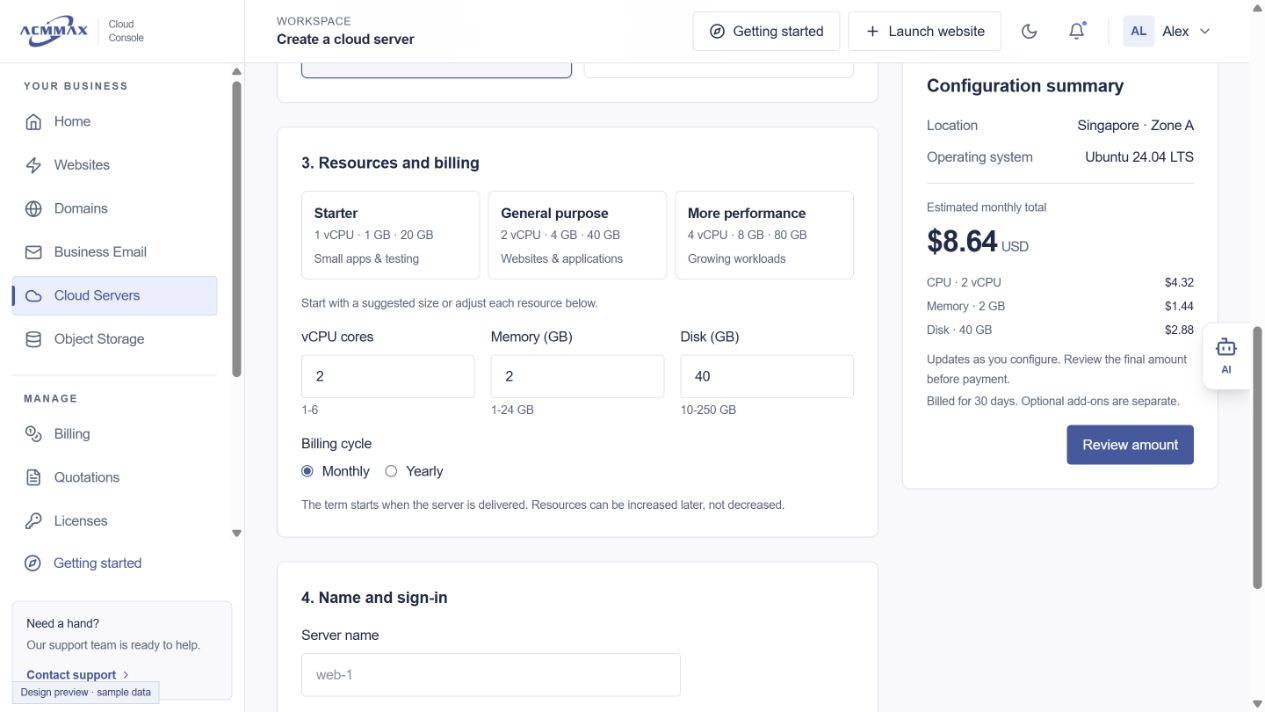
A short preparation list for existing websites and domains.
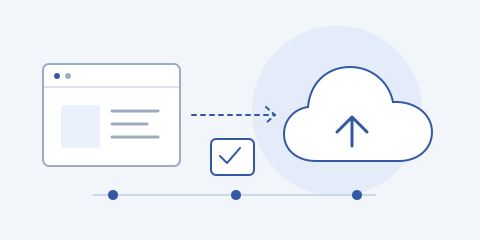
Confirm that you can access and export your existing website.
Keep a record of domain, DNS, email and third-party connections.
Review formats, limits, available workflows and charges in Console.
Check the migrated site and relevant services before changing live settings.
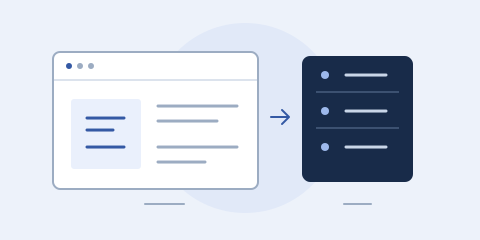
Choose by the work you need to manage: a WordPress website or a server for your application.
Read the guideA preparation checklist for website access, backups, service requirements and migration verification.
Read the guide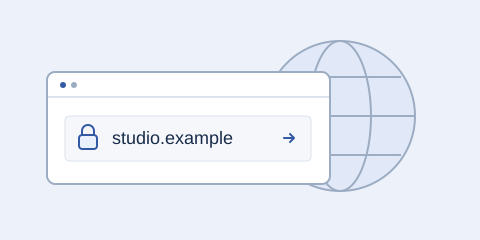
Review the domain, provider requirements, DNS and email configuration before starting a transfer.
Read the guideWebsites, domains, business email, cloud servers and object storage, with account tools for billing, organizations and support. Available actions depend on your service and account permissions.
Cloud Console brings the services under one account. Organization members see the resources and actions their permissions allow.
Compare current plans and configuration estimates on our Pricing page, then review the final quote in Cloud Console. Contact us for a custom project.
The console includes website migration and domain transfer workflows. Check the requirements for your existing service before starting.
Review available plans and configuration in Cloud Console.