


A slow website rarely fails all at once. A page takes an extra second to load, a plugin update gets postponed, a backup has not been checked in months, and a domain renewal date sits in someone’s inbox. WordPress hosting is where those small operational details either stay under control or become expensive distractions for a business.
For small businesses, agencies, and freelancers, hosting is not just server space. It determines how easily a site can be launched, maintained, secured, recovered, and handed over to the next person who needs access. The right service reduces routine work without taking away the controls your website actually needs.
What WordPress Hosting Should Handle
WordPress can run on many types of web hosting, but not every environment is designed around the way WordPress sites are managed. A basic hosting plan may provide storage and a control panel. That can be enough for a simple site with limited traffic and an owner who is comfortable handling updates, troubleshooting, and backups independently.
Managed WordPress hosting adds operational support around the application. Depending on the provider and plan, that may include WordPress installation, automatic core updates, backups, malware protection, caching, SSL certificate management, staging tools, and WordPress-focused support. The benefit is not that every technical decision disappears. It is that recurring tasks are organized into a clearer process.
This matters most when the website supports real business activity. A service company relies on inquiry forms. An online store needs checkout pages to remain available. An agency may be responsible for several client sites with different domains, renewal dates, and team members. In each case, hosting should make routine maintenance visible and manageable rather than leaving it to memory.
Choose WordPress Hosting Based on Operations
Price matters, but the lowest monthly price is rarely the whole cost. A plan that lacks backups, clear support boundaries, or sufficient resources can cost more when a site needs attention at the wrong time. Start with how the site will be used and who will manage it after launch.
Know the site’s workload
A five-page brochure site, a content-heavy publication, and a WooCommerce store do not have the same requirements. Traffic volume matters, but so do logged-in users, large media files, database activity, and the number of plugins. An online store with modest visitor numbers can still require more resources than a simple marketing site because cart and checkout activity cannot be handled like static pages.
Ask practical questions: Will the site publish frequent media? Does it accept payments or appointments? Will several staff members log in? Is traffic seasonal or driven by ad campaigns? Clear answers make it easier to choose an appropriate plan and avoid paying for capacity that will sit unused.
Check what is managed and what is not
“Managed” is not a universal service level. One provider may update WordPress core files but leave plugins to the customer. Another may create daily backups but require manual restoration. Some plans include proactive security monitoring, while others provide tools that you must configure yourself.
Read the service scope before moving a production website. Confirm how often backups run, how long they are retained, whether restoration is available, who handles server-level security, and what support covers. You should also understand your own responsibilities, especially for plugin licensing, content changes, user access, and application-level compatibility.
Look beyond storage and bandwidth
Storage is easy to compare, but it does not tell the full performance story. CPU allocation, memory, disk performance, PHP configuration, database capacity, caching, and account isolation all affect how a WordPress site behaves under load. Shared environments can be cost-effective for many business sites, but their limits should be stated clearly.
For a growing website, ask how upgrades work. Can you move to a larger managed plan without a complicated migration? If you need deeper control later, is there a path to a cloud server? A practical platform should support the next stage of the business without forcing a full rebuild of its operations.
The Features That Save Time During Maintenance
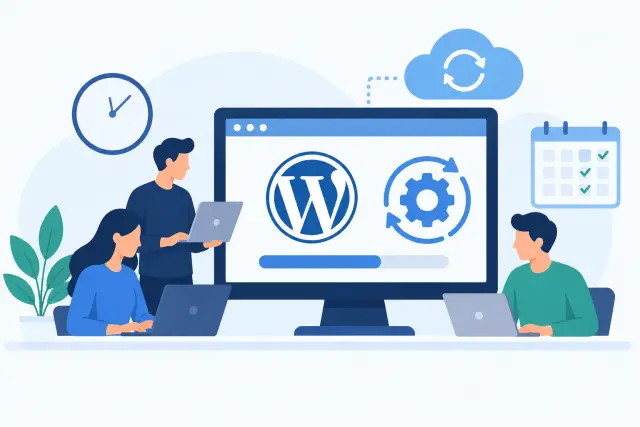
Most website problems are not caused by a lack of advanced technology. They happen because routine tasks are scattered across dashboards or skipped during a busy week. The most useful WordPress hosting features create a dependable maintenance rhythm.
Automatic backups are the first safeguard. A backup is only valuable if it is recent, retained for a useful period, and straightforward to restore. Before relying on any hosting plan, verify the backup schedule and restoration process. For critical sites, consider keeping an additional copy of key website data in a separate location as part of a wider recovery plan.
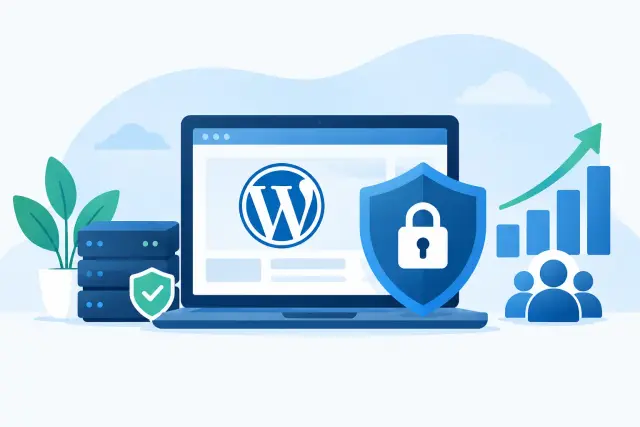
Security tools should also be practical. SSL certificates protect traffic between visitors and the website. Malware scanning, firewall controls, login protections, and timely software updates can reduce exposure, but no hosting plan can make an outdated or poorly configured website risk-free. Use strong credentials, remove unused plugins and themes, limit administrator accounts, and review user access when employees or contractors change.
Performance features deserve the same attention. Caching, current PHP versions, image optimization, and a content delivery strategy can improve page speed, but results depend on the site itself. A heavy page builder, oversized images, too many third-party scripts, or an inefficient plugin can still slow a well-configured server. Good hosting gives you useful tools and visibility. Good maintenance uses them consistently.
Keep Domains, Email, and Hosting Connected
Website downtime often starts outside the hosting account. A domain expires, DNS records are changed incorrectly, or business email stops working after someone updates a record without understanding its purpose. These services are connected even when they are sold and managed separately.
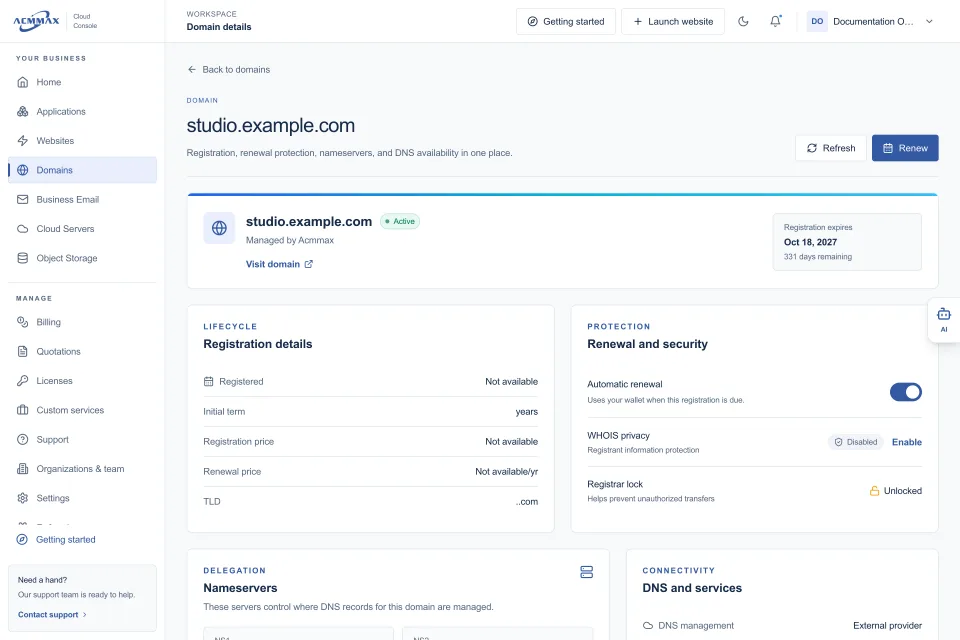
For a small team, managing hosting, domains, DNS, billing, and support through one central console can remove unnecessary handoffs. It is easier to see what renews when, confirm who has access, and identify where a setting is managed. This is especially helpful for agencies that maintain client websites or businesses with multiple domains and mailboxes.
Centralized management does not mean every service must use the same configuration. Developers may need cloud servers for custom applications or S3-compatible object storage for media and backups. The point is to keep everyday administration organized while retaining the flexibility to use the right service for each workload.
A Practical Migration Plan
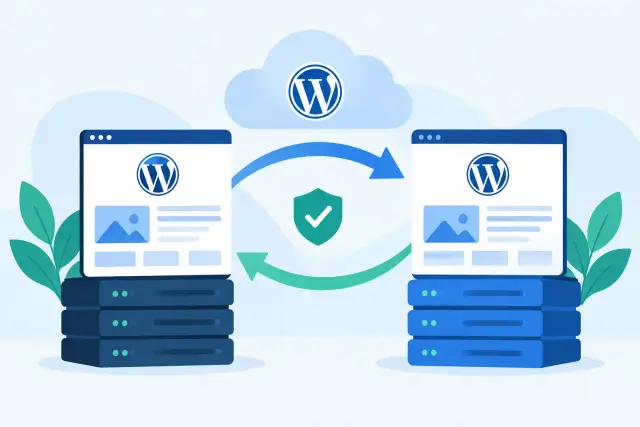
Moving an existing WordPress site is manageable when it is treated as an operational change rather than a file transfer. Start by recording the current domain settings, WordPress version, PHP version, active plugins, theme, forms, payment integrations, and email-related DNS records. This gives you a reference point if anything behaves differently after the move.
Create and verify a full backup before migration. If the new environment provides staging, use it to test the copied site before changing DNS. Check key pages, contact forms, login access, redirects, image loading, transactional email, and any checkout or booking workflows. Do not rely only on the homepage looking correct.
When it is time to point the domain to the new hosting account, plan for DNS propagation and avoid making unnecessary record changes. Keep the old hosting service active until the new site is confirmed live and stable. A careful migration may take a little longer than a rushed one, but it protects search visibility, customer access, and internal confidence.
Questions to Ask Before You Buy
A hosting provider should be able to answer direct questions without vague promises. Ask how resources are allocated, what happens if you exceed a plan limit, how backups and restores work, and whether SSL is included or billed separately. Request clarity on renewal pricing, migration assistance, support hours, and response expectations.
If you manage client sites, ask about organization access and permissions. You need a safe way to give colleagues or clients the access they need without sharing a single master password. If billing is a concern, look for clear invoices, renewal controls, and a view of active services in one place.
ACMMAX brings managed WordPress hosting, domains, DNS, business email, cloud services, storage, billing, and support into a single Cloud Console. For businesses that are tired of switching between disconnected accounts, that structure can make ordinary website operations easier to see and act on.
The best next step is simple: write down what your website needs to do this year, who is responsible for it, and which maintenance tasks are currently unclear. Use that list to choose WordPress hosting that supports the work behind the website, not just the website’s first day online.